
Xender alternative.
Xender is one of the most installed file-sharing apps in the world. People look for an alternative mostly because of the ads. Here is what Xender's own listing says, and the ad-free options.
Why look for a Xender alternative?
Xender sends files over a direct Wi-Fi connection with no mobile data, says it has no file size limit, reaches Android, iPhone, Windows PCs and Macs, and has over 500 million downloads. It is free.
It also contains ads. Its Google Play Data safety page lists device IDs collected for advertising or marketing, plus app interactions and installed apps, and says the developer provides no way to request that your data be deleted. If that bothers you, the options below have no ads.
Xender's listing and Data safety page read on Google Play (US) on November 16, 2026.
Xender and three ad-free alternatives
What each one does well, and where it stops.
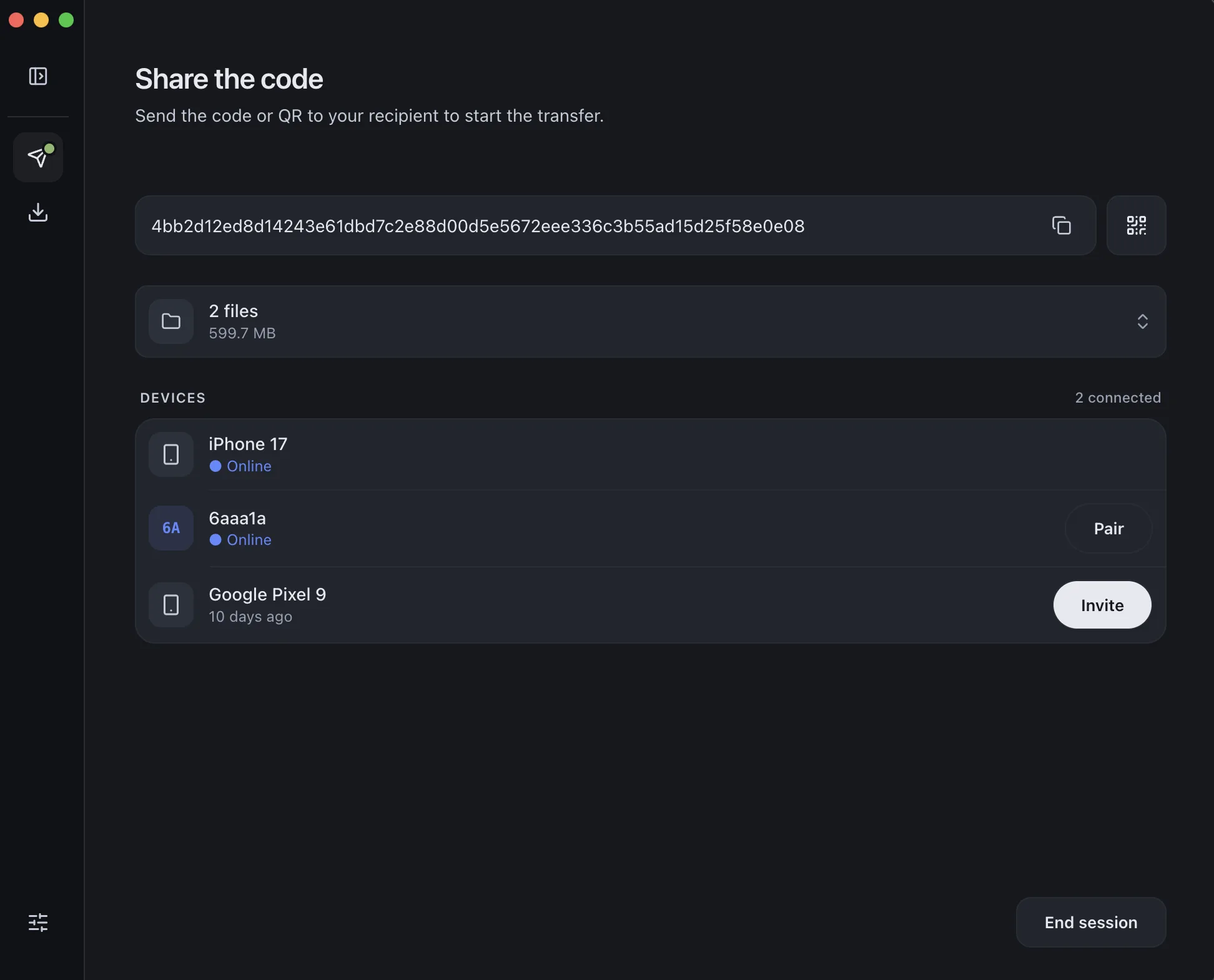
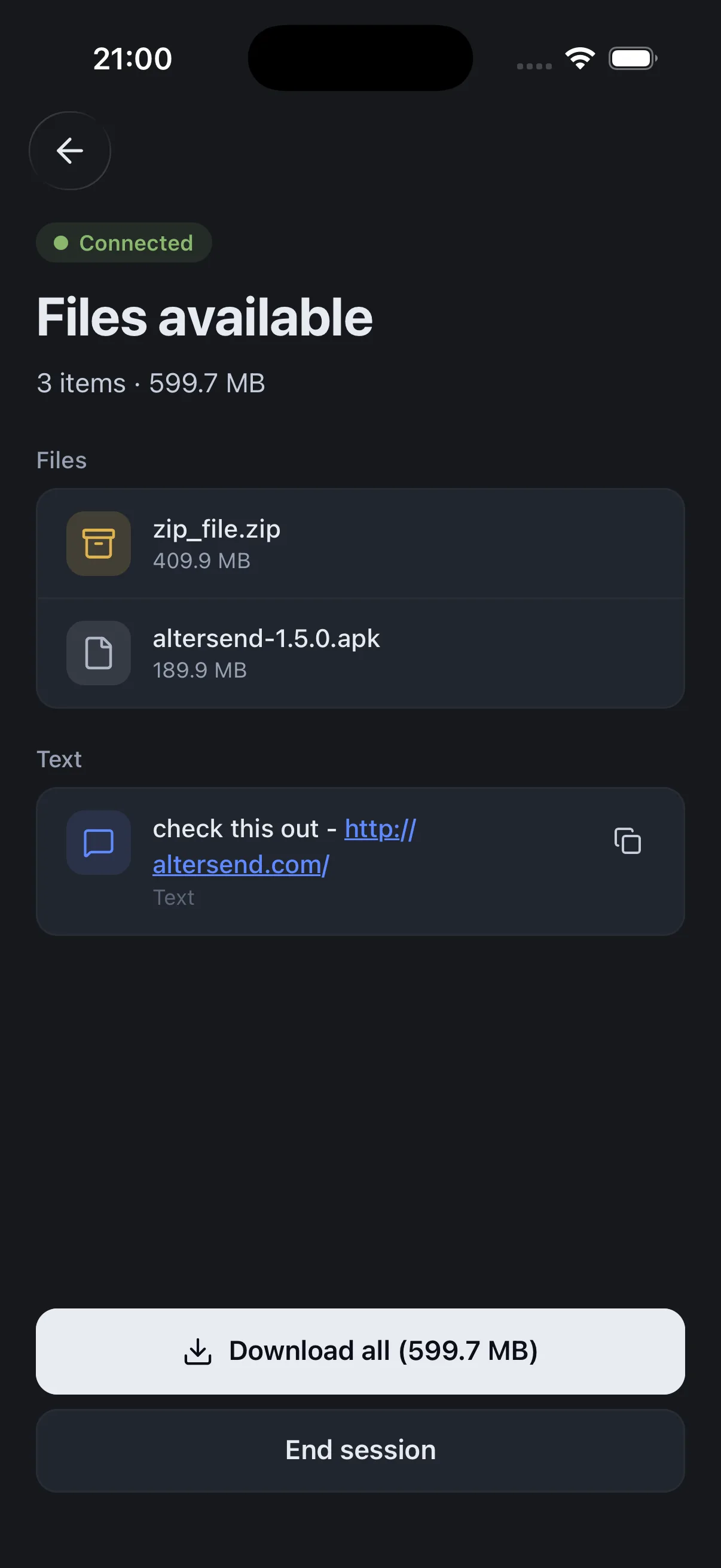
Install the free app on both devices, pair once with a QR scan, then send files or whole folders directly, end-to-end encrypted. It works on the same Wi-Fi or across the internet, and nothing is stored on a server.
The catch: Both devices need the app and must be online at the same time: it is a live transfer, not a link that waits for days. If the devices cannot connect directly, an encrypted relay carries the transfer, capped at 20 GB between apps and 10 GB for browser links.
Download AlterSendXender sends files over a direct Wi-Fi connection with no mobile data, says it has no file size limit, and connects to Windows PCs and Macs. It has over 500 million downloads on Google Play.
The catch: It contains ads. Its Data safety page lists device IDs collected for advertising and says data cannot be deleted on request.
Google Play: XenderGoogle's Quick Share is built into Android 6 and later. It sends to nearby Android phones and Chromebooks, to Windows PCs with Google's Quick Share for Windows app, and from supported phones to an iPhone, iPad or Mac through AirDrop.
The catch: Devices must be nearby. The Windows app needs 64-bit Windows 10 or later (Windows 11 on ARM). The AirDrop route works only from phones on Google's list.
Google: use Quick ShareLocalSend shares files and messages with nearby devices over your local network, with no internet connection, on Android, iPhone, Windows, Mac and Linux.
The catch: Same network only. A guest Wi-Fi or a router that isolates devices will hide them from each other.
LocalSend on GitHubWe make AlterSend, so weigh that option accordingly.
Share between any two devices with AlterSend
- 01Install on both devicesFree on Windows, Mac, Linux, iPhone and Android. No account.
- 02Scan a code to pairOne QR scan connects them. Pair once and they remember each other.
- 03Send, directlyFiles and whole folders go straight across, end-to-end encrypted. Same Wi-Fi or across the internet.