
AirDrop for Windows.
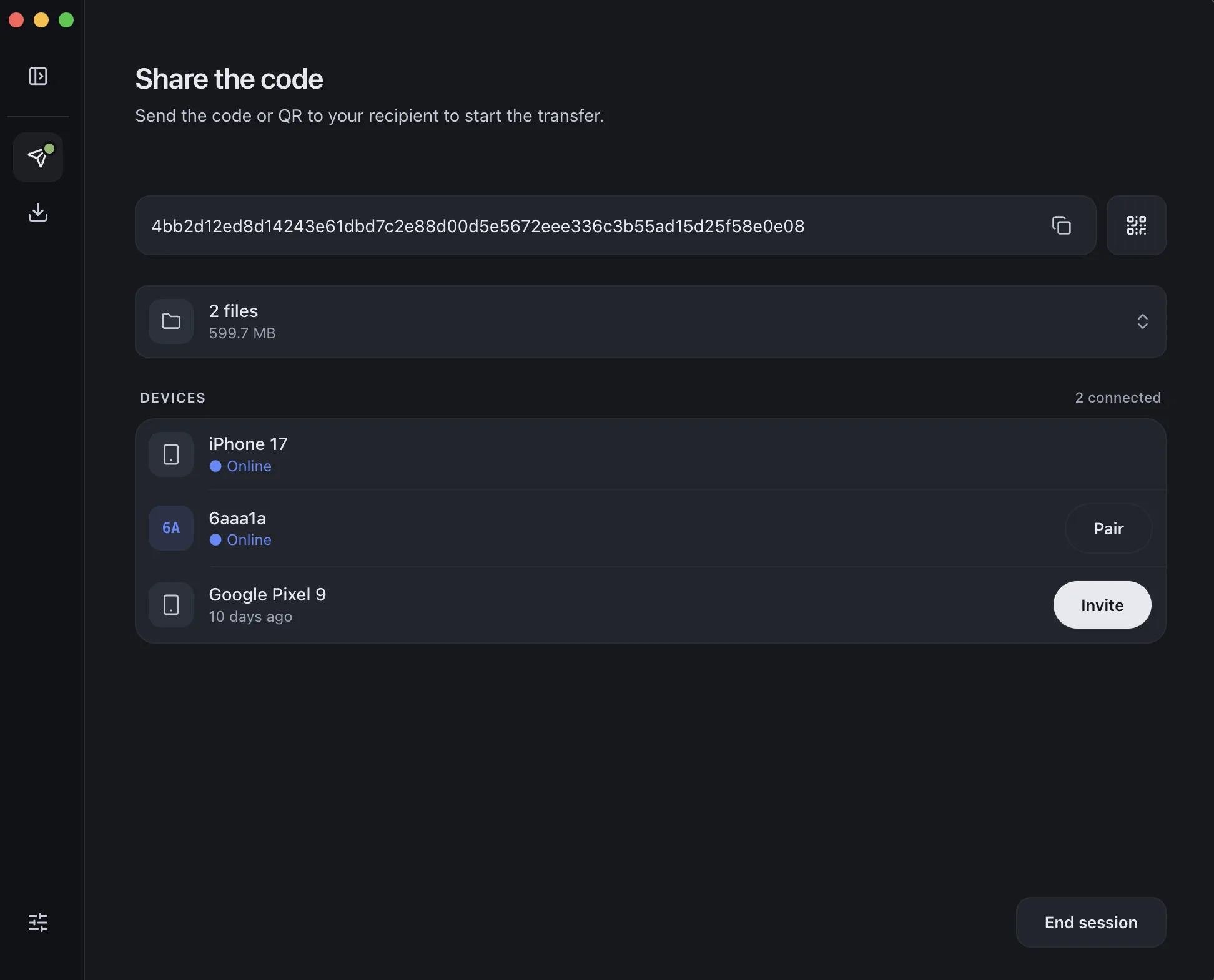
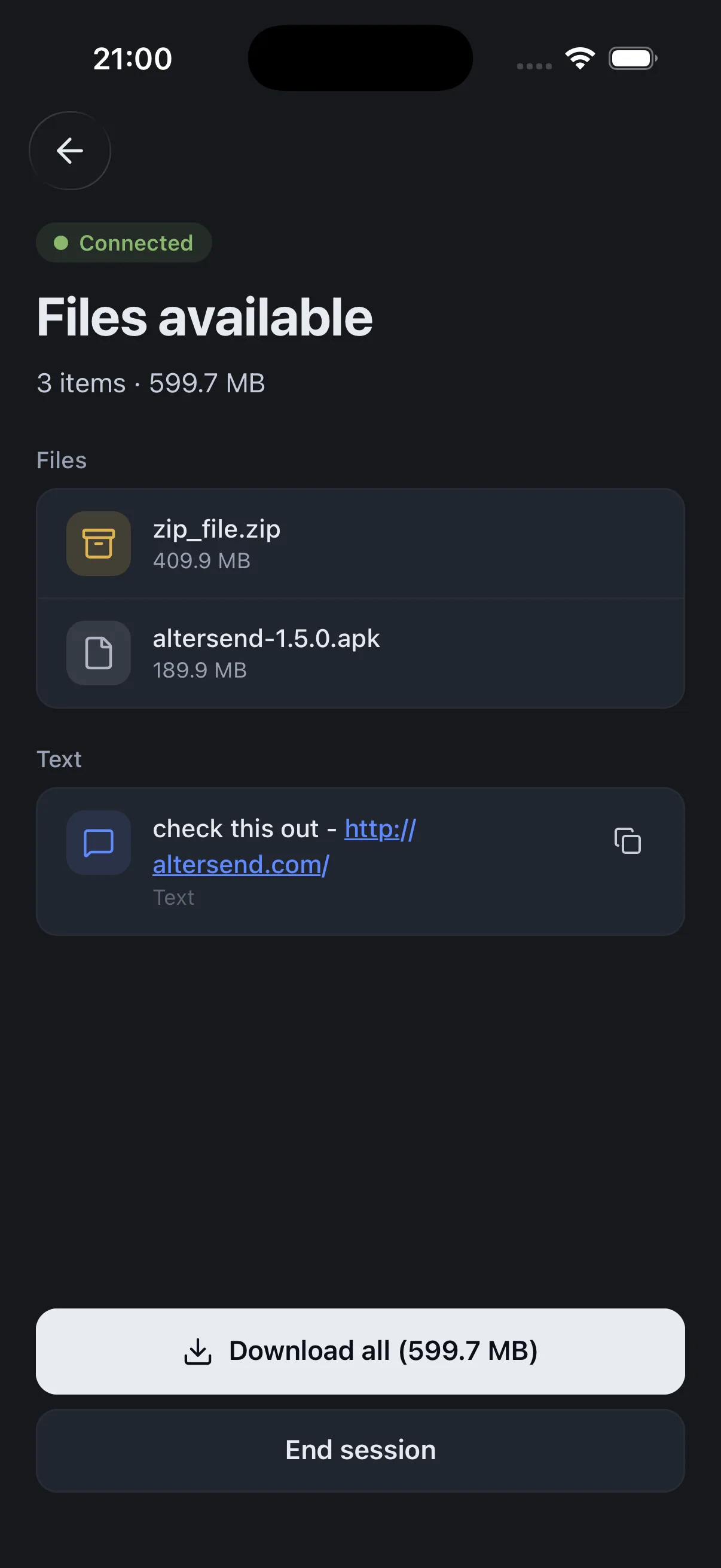
AlterSend is the simplest free way to do it — send files directly between Windows, iPhone, Mac, Android, and Linux, end-to-end encrypted, with no accounts and no size limits.
Why AlterSend
Real advantages over AirDrop
Works on every platform
Windows, Mac, Linux, iPhone, Android — any direction.
No size limits
A photo or a 500 GB archive — same flow.
Send whole folders
Drag an entire folder, not just single files.
Fast
Direct transfer, at full connection speed.
Never touches the cloud
End-to-end encrypted, never uploaded or stored.
Works over the internet
Across the world, not just the same room.
No account, no sign-up
Open the app and send. Nothing to register.
Free and open source
Apache-2.0 — no upload fees, and direct transfers are free.
Send from any device to Windows in seconds
- 01Install on both devicesFree on Windows, iPhone, Mac, Android, and Linux.
- 02Scan a code to pairOne QR scan connects them. Pair once — they remember each other.
- 03Send, directlyFiles go straight across, encrypted. Any size, no cloud storage.