
LocalSend over the internet.
LocalSend is local-only by design — both devices have to sit on the same network. Here's why it works that way, what the hotspot and VPN workarounds actually cost you, and how to send files across different networks without either.
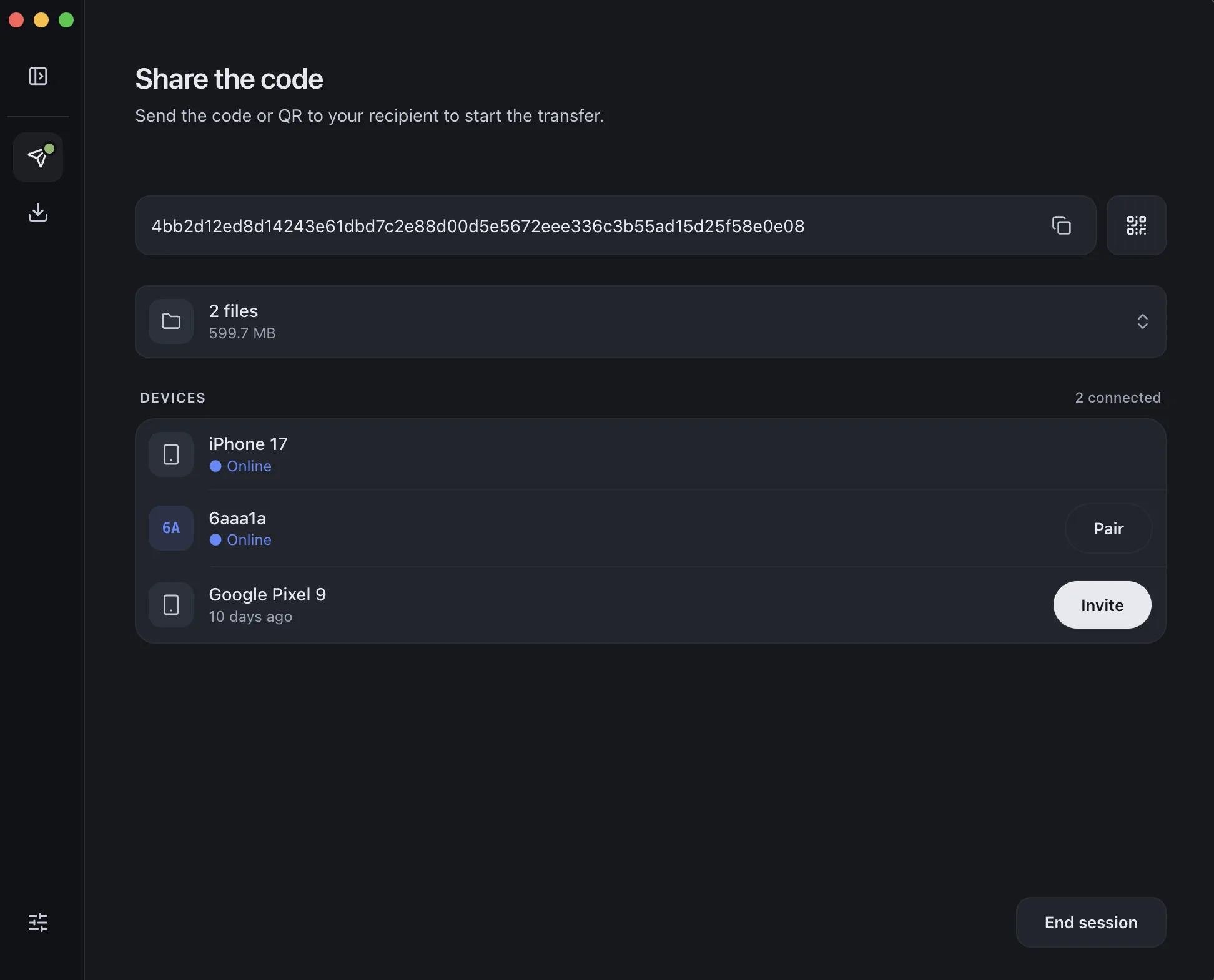
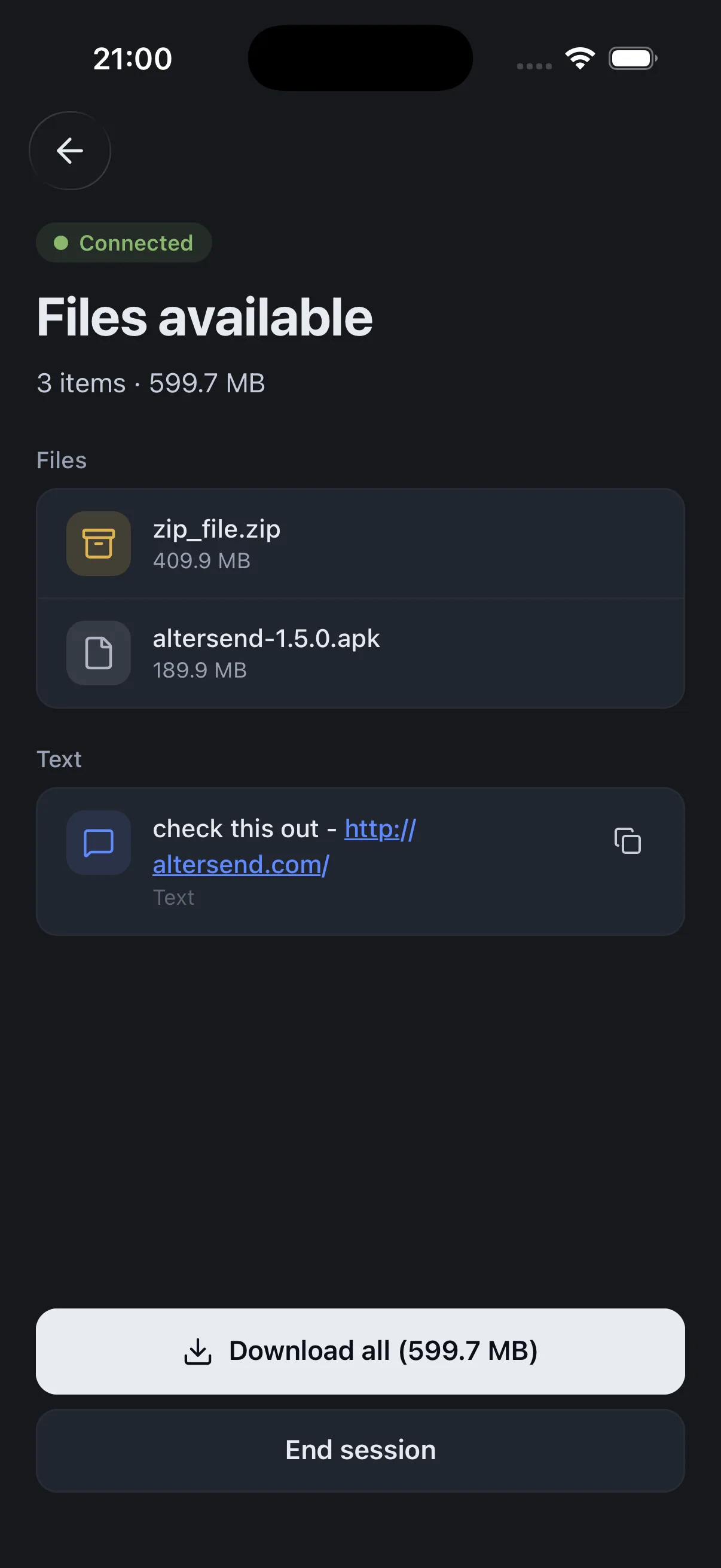
Why LocalSend can't do it
This isn't a missing feature or a bug — it's the whole design. LocalSend finds nearby devices by broadcasting a UDP multicast packet across your local network, then falls back to HTTP requests aimed at the local subnet. Both of those stop at the edge of your network.
Multicast traffic normally doesn't cross subnet boundaries, and plenty of routers block it between VLANs or guest networks. So two devices on different Wi-Fi networks — or even different subnets in the same building — simply never see each other. There's no setting to turn on, because reaching across the internet would mean leaving the local network LocalSend deliberately never leaves.
That's a legitimate trade. Staying local is exactly why LocalSend is private and needs no servers. It just means the moment your devices aren't on one network, you need a different tool.
The three usual workarounds
These are what you'll find in the GitHub discussions and forum threads. They all work — each just costs you something.
The option without a trade-off
AlterSend keeps everything people choose LocalSend for — free, open source, end-to-end encrypted, no accounts, no size limits, files never stored on a server — and drops the same-network requirement. Your devices find each other over a peer-to-peer network instead of a local broadcast, so they can be anywhere.
If you want the full side-by-side, see AlterSend vs LocalSend.
Sending across networks, start to finish
- 01Install on both devicesFree on Windows, Mac, Linux, iPhone, and Android — no account to create.
- 02Scan a code to pairOne QR scan or a 6-character join code links them, wherever they are.
- 03Send, directlyFiles go straight across the internet, encrypted. Any size, no cloud storage.