
Move a Resolve project. Media and all.
DaVinci Resolve keeps projects in a database, not a file you can copy. Here's how to export a Project Archive that actually contains your footage — and how to get 200 GB of it onto another machine without an upload queue.
Resolve doesn't work like Premiere
There's no project file sitting on your desktop to hand over. Resolve stores projects inside a project library — a database — so the thing you'd normally copy doesn't exist as a loose file at all.
You get two ways out of that database, and picking the wrong one is the usual cause of a failed handoff. A .drp is a project export: timelines, edits, colour nodes, settings — and no footage. It's a few megabytes and it only opens properly if the other machine already holds the media and can relink to it. A .dra is a Project Archive: the project bundled together with every media file it references.
For a genuine handoff you want the archive. Which is exactly when the size problem shows up.
Step one: export a Project Archive
Open the Project Manager, right-click the project, and choose Export Project Archive. Resolve writes a .dra folder containing the project entry and all of its media. On the other end, the receiving editor right-clicks in their own Project Manager and picks Restore Project Archive.
Before you export, run Media Management and trim the media to what your timelines actually use, keeping a few seconds of handles. If you shot far more than you cut — and most people do — that shrinks the archive more than any compression would, without touching the quality of the footage you kept.
Worth knowing: an archive covers media, not your whole environment. LUTs, fonts, OpenFX plugins and some Fusion elements depend on what's installed on the receiving machine, so send your LUT folder and fonts along with it.
Step two: moving a very large archive
Your .dra is now somewhere north of 50 GB. Here's what colourists and editors normally reach for, and what it costs.
Or send the archive directly
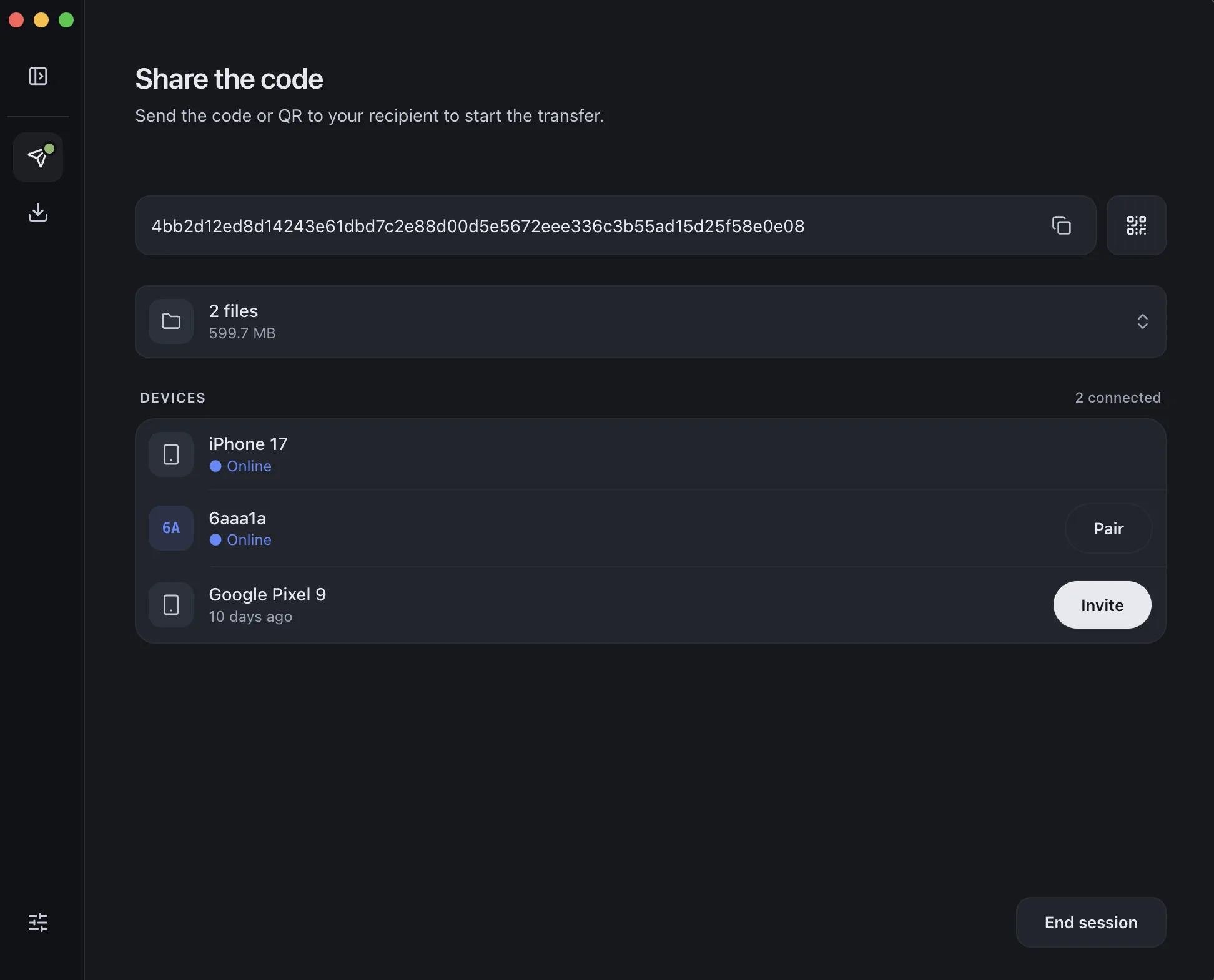
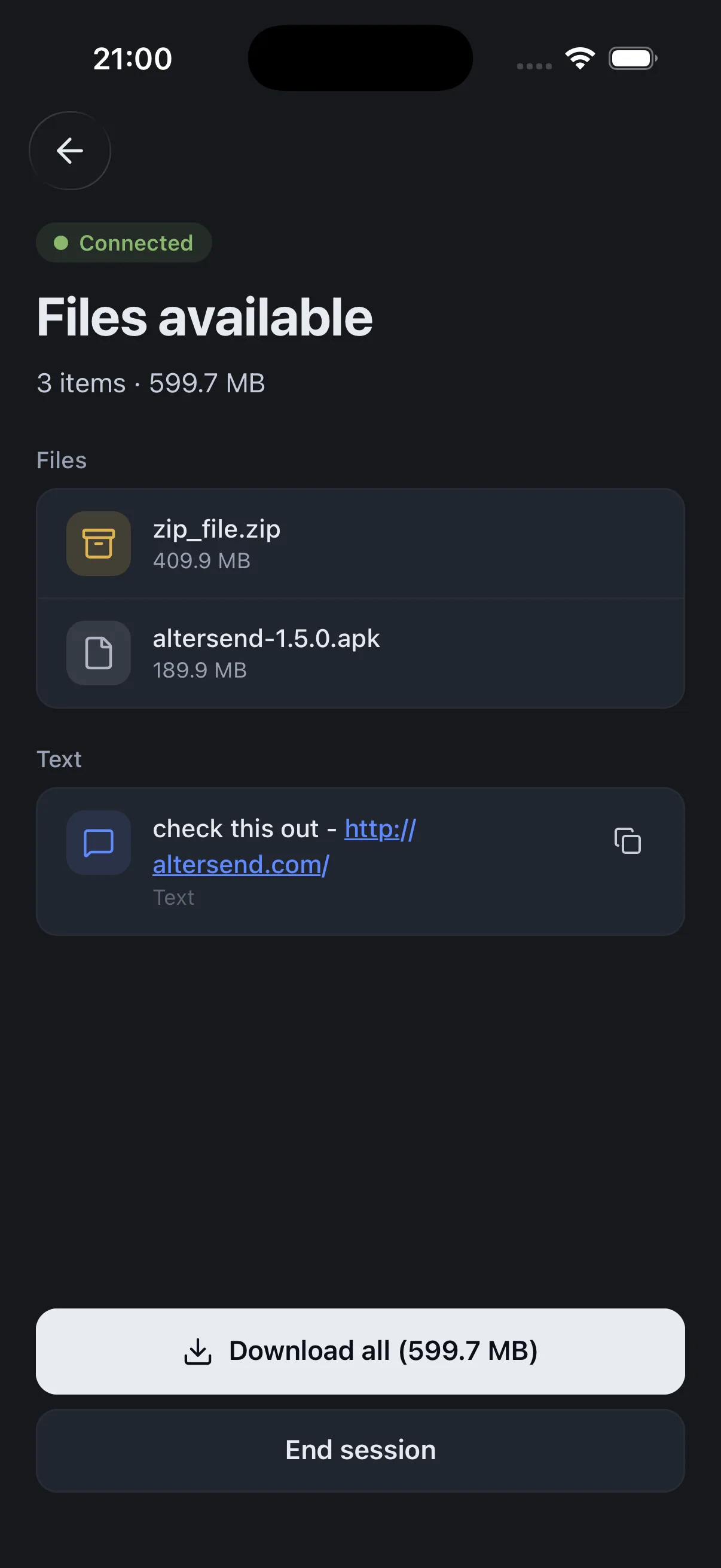
AlterSend moves the .dra folder straight from your machine to the other editor's — no upload step, no storage plan, no ceiling. Because nothing sits on a server in between, the transfer starts as soon as they accept.
Cutting in Premiere too? See sending a Premiere Pro project.
The whole handoff, in three steps
- 01Export a Project ArchiveProject Manager → right-click the project → Export Project Archive (.dra).
- 02Pair the two machinesInstall AlterSend on both, scan a QR code once. No account, no upload.
- 03Send the archive folderDrag the .dra across. Any size, encrypted, straight to their drive.