AlterSend vs LocalSend.
LocalSend is great — but only between devices on the same Wi-Fi. AlterSend does the same thing, encrypted and account-free, and also works over the internet, anywhere.
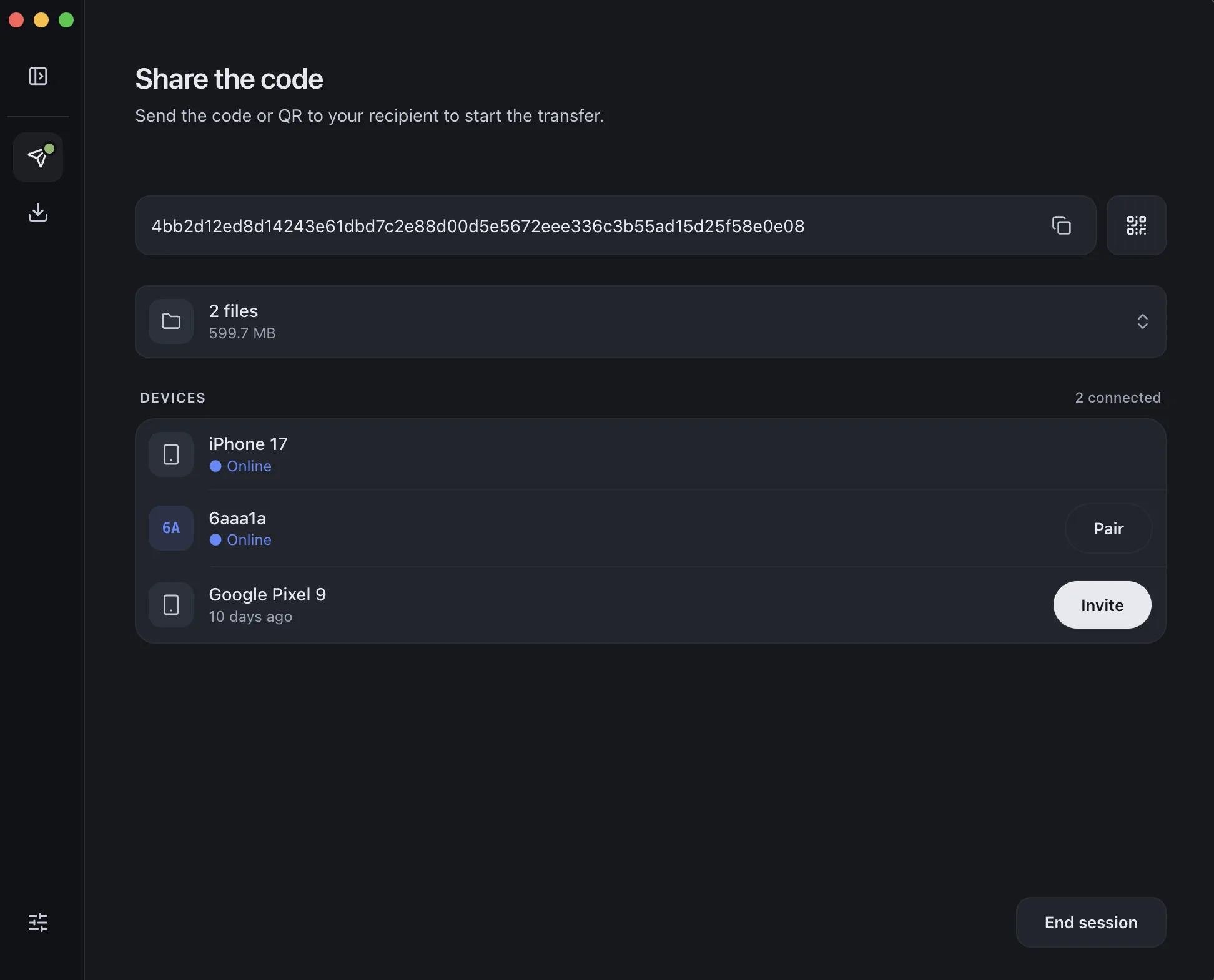
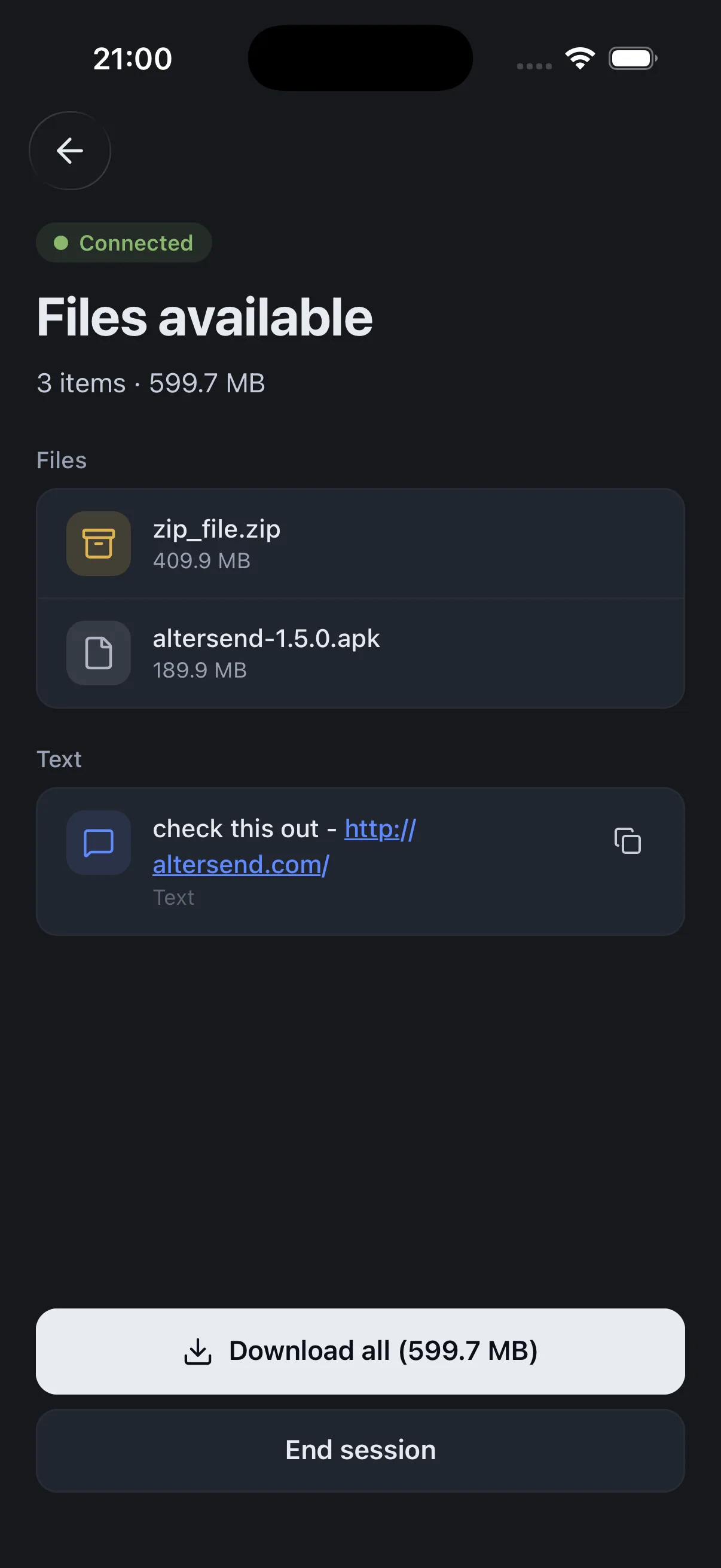
The difference, side by side
LocalSend
 AlterSend
Works over the internet
No — same network only
Yes, anywhere
Same Wi-Fi required
Yes
No
End-to-end encrypted
Yes
Yes
No account
Yes
Yes
File size limit
None
None
Remembers paired devices
Re-discovers each time
Pair once, remembered
Open source
Yes
Yes
Why switch
Where AlterSend pulls ahead
Works over the internet
Send to any device anywhere. LocalSend only connects devices on the same Wi-Fi.
Pair once, remembered
AlterSend remembers your devices — no re-discovering the network every session.
Same privacy, no network limit
End-to-end encrypted with no cloud storage — like LocalSend, but not tied to one network.
Open source & cross-platform
Apache-2.0 on Windows, Mac, Linux, iPhone, and Android — same as LocalSend.
Send a file in seconds
- 01Install on both devicesFree on Windows, Mac, Linux, iPhone, and Android.
- 02Scan a code to pairOne QR scan connects them. Pair once — they remember each other.
- 03Send, directlyFiles go straight across, encrypted. Any size, no cloud storage.