
Quick Share for Mac: is there an app?
There is no Google app. There are still ways to send files between an Android phone and a Mac, some built in and some from other developers. Here is what each one does and where it stops.
Is there a Quick Share app for Mac?
No. Google has not released one. Google's Quick Share help page says Quick Share is available on Android 6 or later, on Chromebooks, and on select Windows PCs through its Quick Share for Windows app. A Mac is not on that list, and Google's PC app is a Windows app, for 64-bit Windows 10 and later.
You can still send between an Android phone and a Mac. Google built that through Apple's AirDrop rather than through a Mac app, so it depends on your phone. Other developers have also built Quick Share receivers for the Mac.
Checked against Google's own Quick Share pages, the NearDrop README, the QuickDrop App Store listing and LocalSend's README on November 16, 2026.
Android to Mac with Quick Share and AirDrop, step by step
This is Google's own route, from its Quick Share help page. It works only from phones Google has enabled for it (see the list on our AirDrop to Android page).
Going the other way, from the Mac to the phone, the phone's Quick Share must be in Receive mode. Google's help says a Pixel 9 or later (not the 9a) needs its visibility set to Everyone for 10 minutes or to be on the Quick Share page in Receive mode.
Five ways to use Quick Share with a Mac
What each one does well, and where it stops.
Google's own route. It needs nothing extra on the Mac: the phone sends through AirDrop, and the Mac accepts the prompt. Google's help says it works from a Pixel 8a or later and from certain Samsung, Oppo, OnePlus, Vivo, Xiaomi, Honor, Transsion and Motorola phones.
The catch: Only phones Google has enabled, within Bluetooth range, and the Mac must be set to Everyone for 10 minutes each time. It sends files; it is not an app you can open on the Mac.
Google: use Quick Share on your Android deviceIn Quick Share, tap Use QR code. Google's help says the iPhone, iPad or Mac scans it and downloads the files in its default web browser, and that the files are end-to-end encrypted.
The catch: The files are uploaded to Google's servers and stay available for 24 hours. Google's help allows 10 GB per 24 hours and 1,000 files per share, and both devices need internet access.
Google: send content to an iPhone, iPad or MacNearDrop is an open-source Mac app that implements part of Google's Quick Share. QuickDrop is a separate app on the Mac App Store, by another developer, which describes itself as an improved version of NearDrop and also runs on iPhone and iPad. QuickDrop is free with in-app purchases.
The catch: Neither is made by Google, and QuickDrop's listing says it is not affiliated with Google. NearDrop's README says it works over Wi-Fi on the same network only, that it is a partial implementation, and that sending from the Mac needs you to scan a QR code on the phone. macOS also warns about NearDrop on first launch, because it is not signed by Apple.
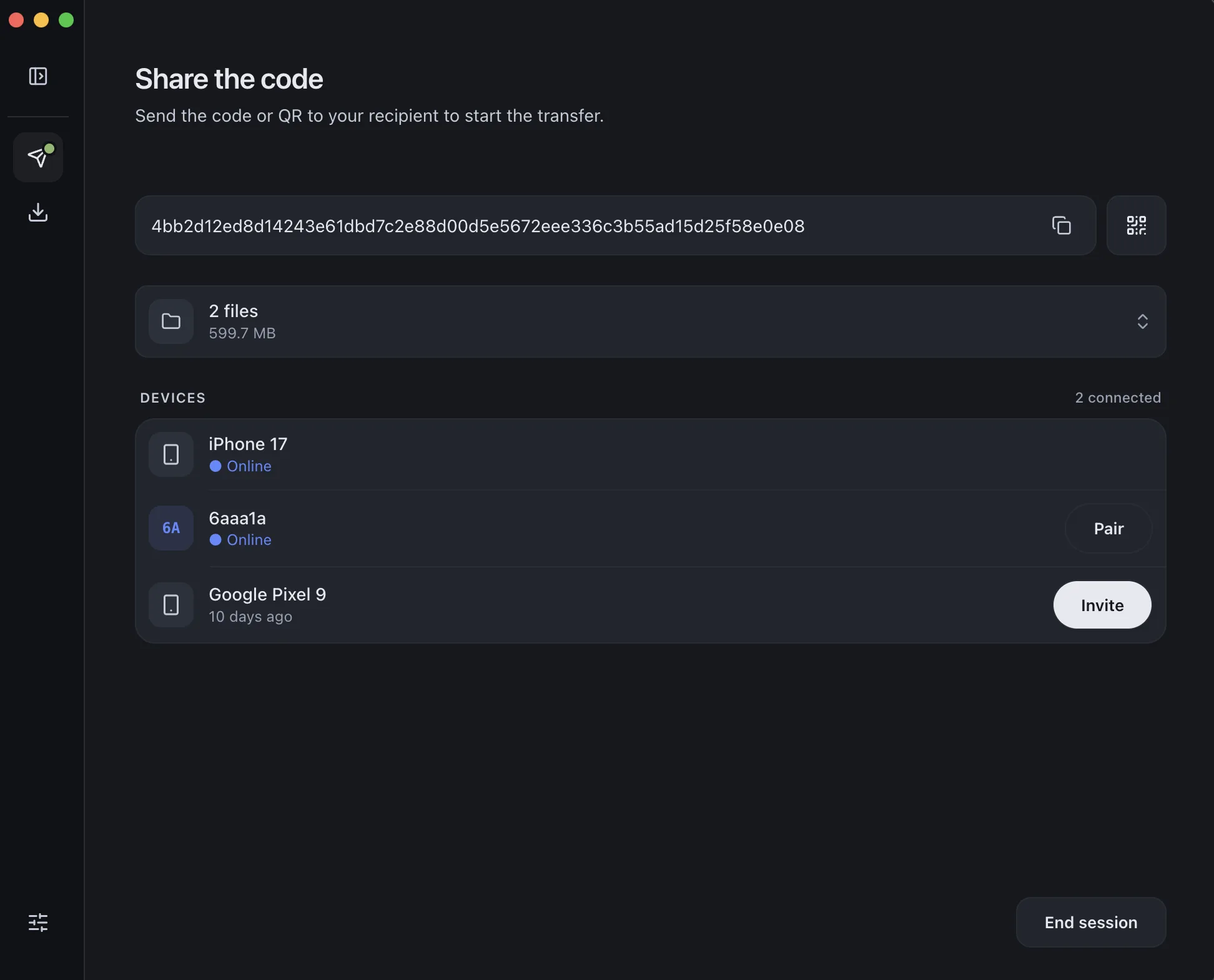
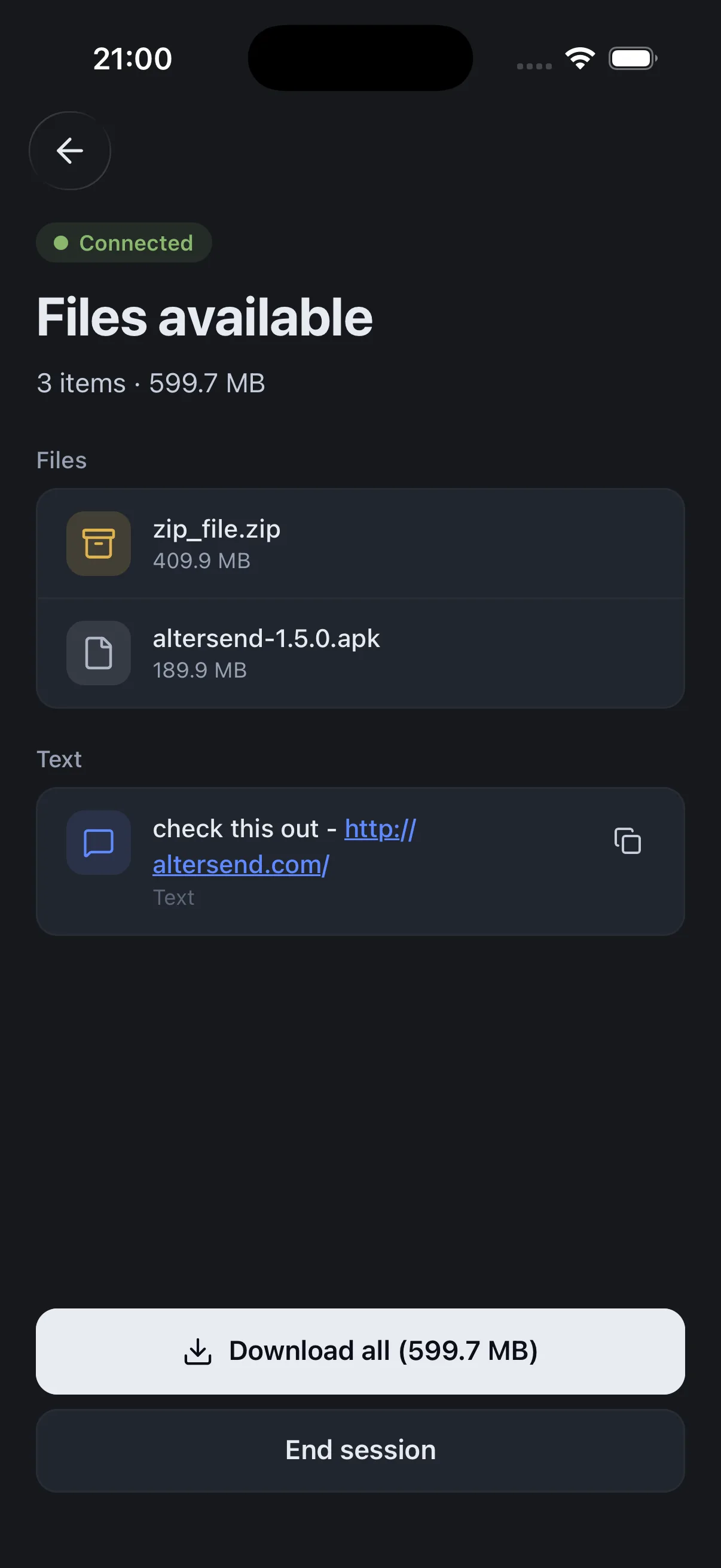
NearDrop on GitHubInstall the free app on the Mac and the phone, pair once with a QR scan, then send files or whole folders directly, end-to-end encrypted. It works on the same Wi-Fi or across the internet, and nothing is stored on a server.
The catch: You need the app on both devices, and both must be open during the transfer. If the devices cannot connect directly, an encrypted relay carries the transfer instead, capped at 20 GB between apps.
Download AlterSendA free, open-source app that shares files and messages with nearby devices over your local network, with no internet connection needed. It has apps for macOS and Android, among others.
The catch: Same network only. If devices don't appear, a router setting or a VPN is usually the cause, and LocalSend's README has a troubleshooting table.
LocalSend on GitHubWe make AlterSend, so weigh that option accordingly. If you only send to a Mac now and then from a recent Pixel or Galaxy, the AirDrop route needs nothing installed.
Send between an Android phone and a Mac with AlterSend
- 01Install on both devicesFree on Mac, Android, Windows, Linux and iPhone.
- 02Scan a code to pairOne QR scan connects them. Pair once and they remember each other.
- 03Send, directlyFiles and whole folders go straight across, encrypted, in either direction. No cloud storage in between.