
AirDrop to Android.
It works now, on some phones. Here is Google's current list of Android phones that can exchange files with an iPhone, iPad or Mac through AirDrop, the steps both ways, and what to use when yours isn't on it.
Can you AirDrop to an Android phone?
Yes, on supported phones. Since November 2025, Google's Quick Share can exchange files with Apple's AirDrop, and the list of phones has grown since. It is Google's feature: the Android phone's Quick Share talks to AirDrop on the Apple device, with nothing to install on the iPhone, iPad or Mac.
Both devices must be close, within Bluetooth range, with Wi-Fi on. If your phone is not on Google's list, there are other routes, below.
Phone list and steps read on Google's own Quick Share pages on November 16, 2026. Google updates the list, so check your model there.
Android phones that work with AirDrop
From Google's Quick Share and iPhone page. This is the list as of November 16, 2026.
Google's Android help page also names certain Transsion and Motorola devices, so the lists do not match exactly. Samsung phones need Share with Apple devices turned on in their Quick Share settings.
iPhone to Android, step by step
Android to iPhone, step by step
Google's help page says the same works with an iPad or a Mac as the Apple device.
If your phone isn't on the list
Three ways that work on any Android phone.
In Quick Share, tap Use QR code and have the other person scan it with their camera. Google says a Quick Share page opens in their browser, the transfer starts there, and the files are end-to-end encrypted.
The catch: The files are uploaded to Google's servers and stay available for 24 hours. Google allows 10 GB per 24 hours and 1,000 files per share, and both devices need internet access.
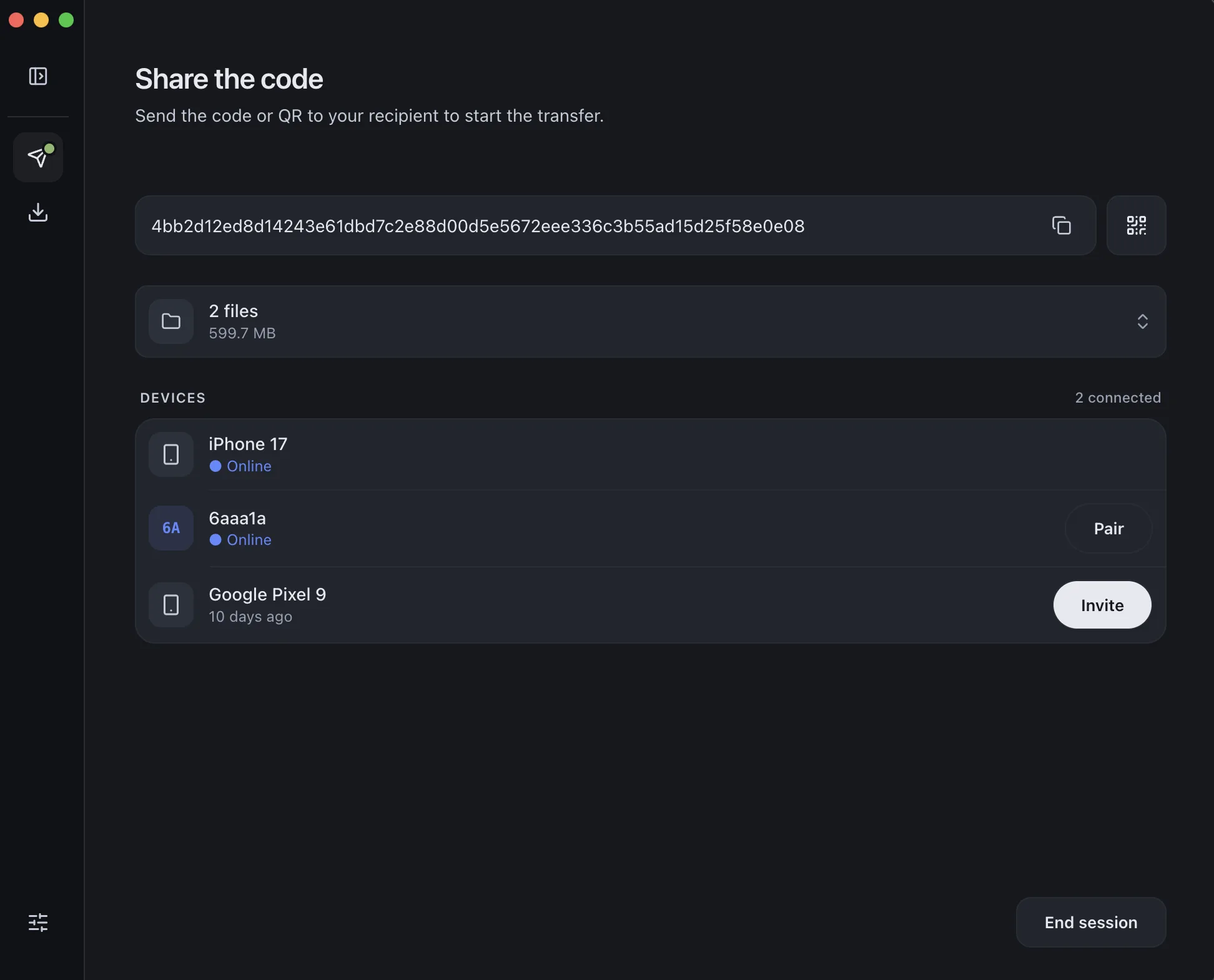
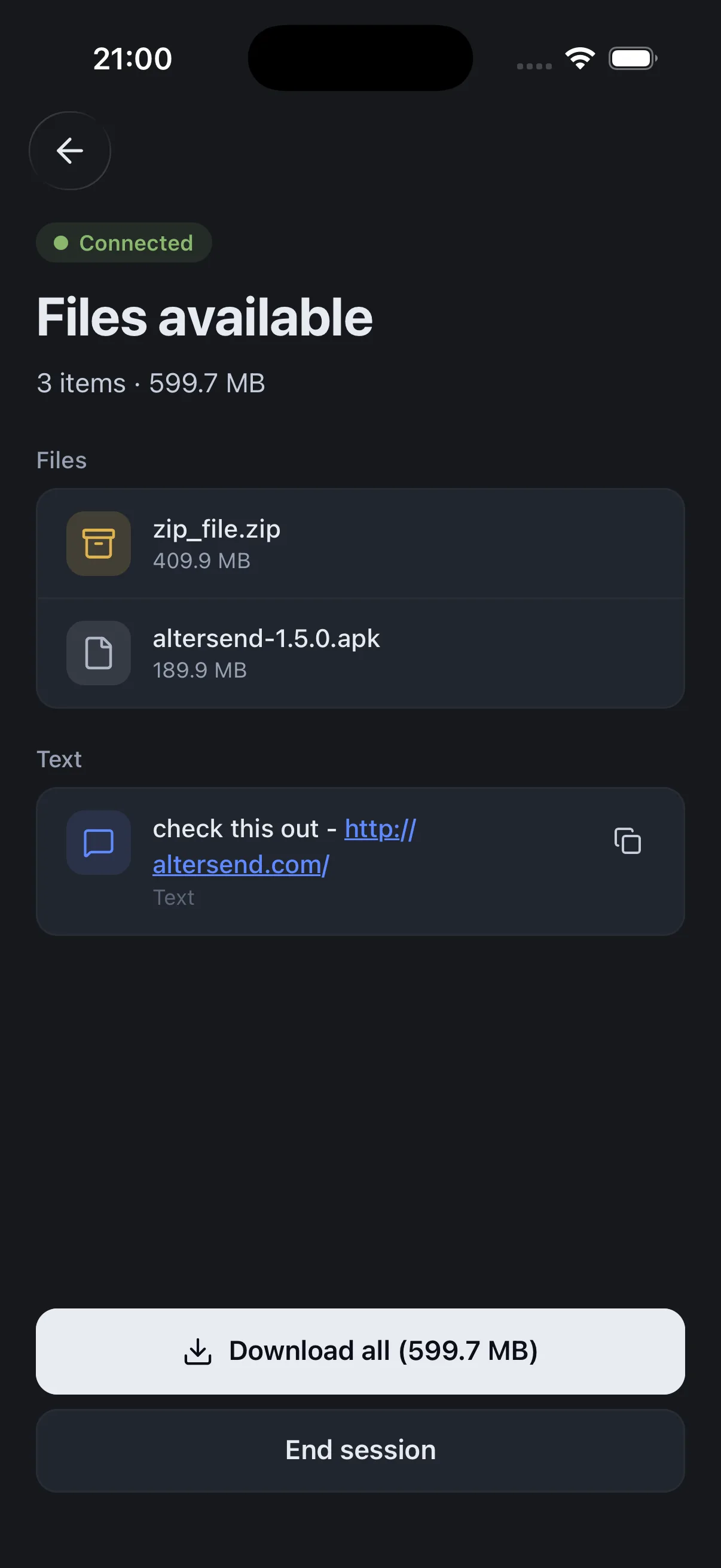
Google: Quick Share and iPhoneInstall the free app on both devices, pair once with a QR scan, then send files or whole folders directly, end-to-end encrypted. It works between Android, iPhone, Mac, Windows and Linux, and nothing is stored on a server.
The catch: You need the app on both devices, and both must be open during the transfer. If the devices cannot connect directly, an encrypted relay carries the transfer instead, capped at 20 GB between apps.
Download AlterSendA free, open-source app that shares files and messages with nearby devices over your local network, with no internet connection needed. It has apps for Android and iOS, among others.
The catch: Same network only. A guest Wi-Fi or router setting that isolates devices will hide them from each other.
LocalSend on GitHubWe make AlterSend, so weigh the second option accordingly. If your phone is on the list and you share a file now and then, Quick Share with AirDrop needs nothing installed.
Send between an Android phone and an iPhone with AlterSend
- 01Install on both phonesFree on Android, iPhone, Mac, Windows and Linux.
- 02Scan a code to pairOne QR scan connects them. Pair once and they remember each other.
- 03Send, directlyFiles and whole folders go straight across, encrypted, in either direction. Any phone, any model.