
AirDroid alternative.
AirDroid is a whole remote-access suite: file transfer, mirroring, remote control, notifications. If file transfer is what you use it for, its free limits are the thing to know. Here they are, and the alternatives.
What does AirDroid's free plan allow?
AirDroid Personal's own pricing table: on the same network, file transfer is unlimited. Over a remote connection, the free plan allows up to 30 MB per file and 200 MB of remote data, and connects 2 Android devices. The paid plan raises remote transfers to 1 GB per file with no data limit; it lists $29.99 for a year.
If you mostly send files between your phone and computer, and the files are bigger than 30 MB or you are not on the same network, one of the tools below may fit better.
AirDroid Personal's pricing table and Google Play listing read on November 16, 2026.
AirDroid and three alternatives for file transfer
What each one does well, and where it stops.
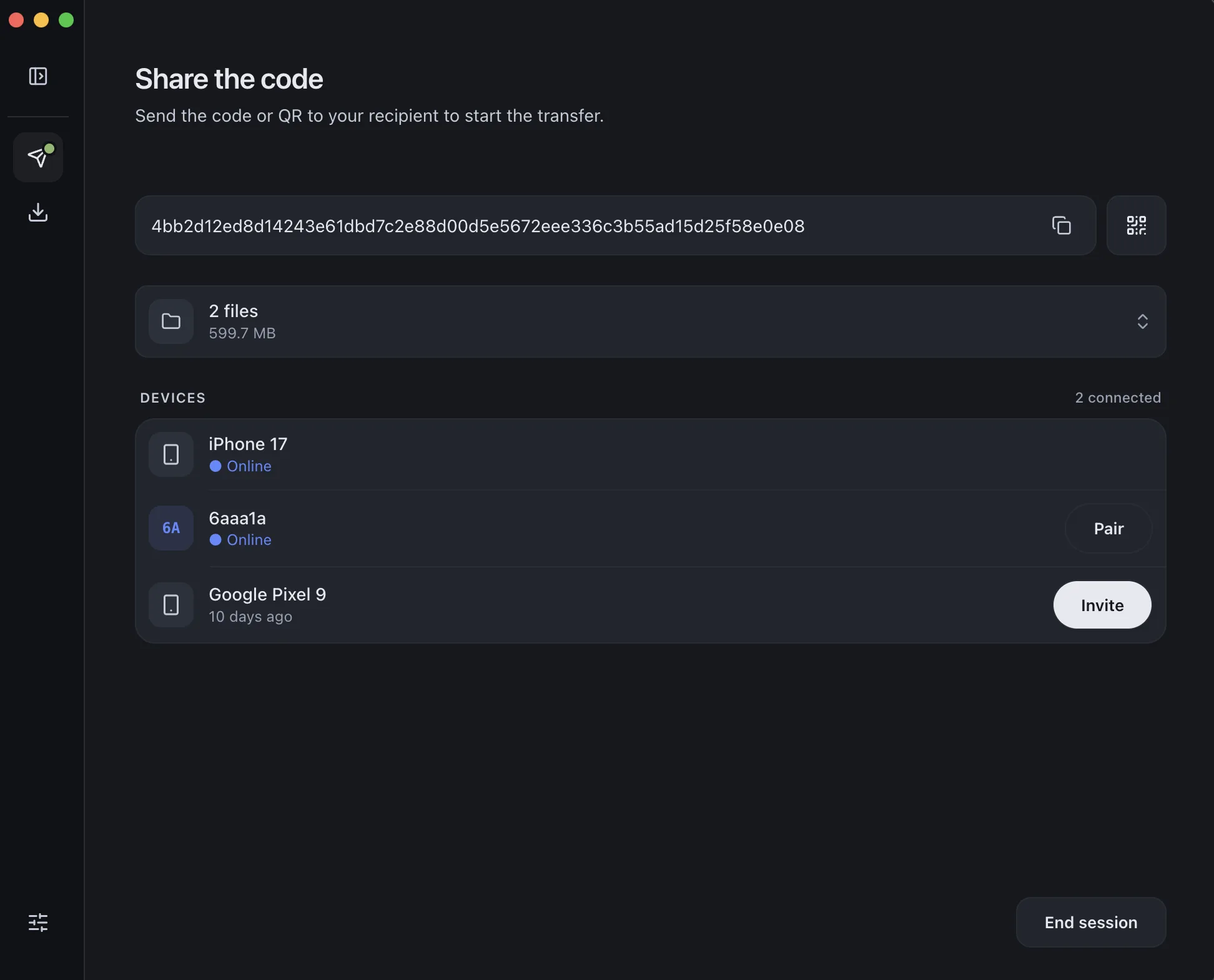
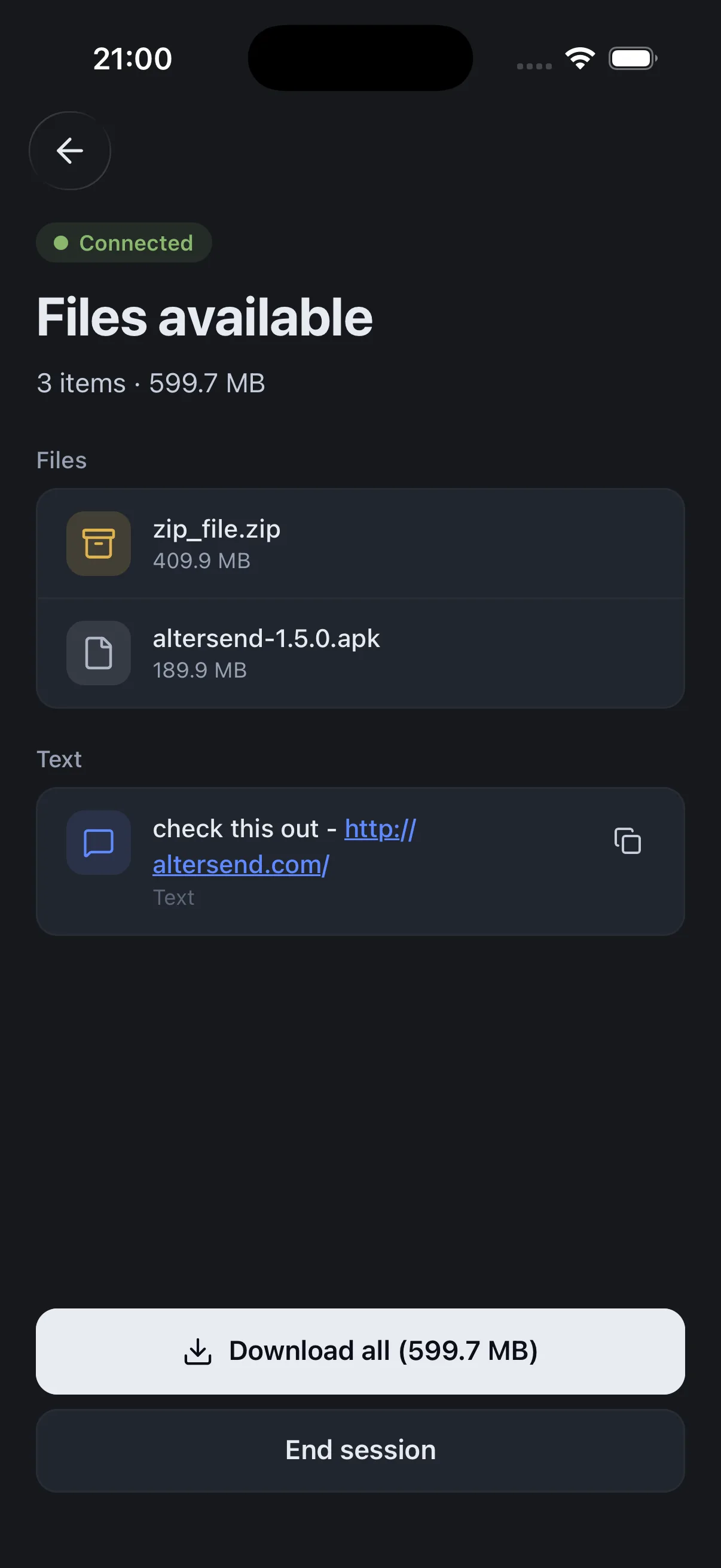
Install the free app on both devices, pair once with a QR scan, then send files or whole folders directly, end-to-end encrypted. It works on the same Wi-Fi or across the internet, and nothing is stored on a server.
The catch: Both devices need the app and must be online at the same time: it is a live transfer, not a link that waits for days. If the devices cannot connect directly, an encrypted relay carries the transfer, capped at 20 GB between apps and 10 GB for browser links.
Download AlterSendAn all-in-one suite: file transfer and management, screen mirroring, remote control of Android devices, and SMS notifications on your computer.
The catch: Free remote transfers are capped at 30 MB per file and 200 MB of remote data, with 2 Android devices. The free app contains ads.
AirDroid Personal pricingMicrosoft's Phone Link pairs a Windows PC with the Link to Windows app on Android 10 and later, for messages, calls, notifications and photos.
The catch: Windows only, and Microsoft asks for both devices on the same Wi-Fi network. With an iPhone it does less; see our Phone Link and iPhone page.
Microsoft: Phone Link requirements and setupLocalSend shares files and messages with nearby devices over your local network, with no internet connection, on Android, iPhone, Windows, Mac and Linux.
The catch: Same network only. A guest Wi-Fi or a router that isolates devices will hide them from each other.
LocalSend on GitHubWe make AlterSend, so weigh that option accordingly. If you use AirDroid for remote control or mirroring, none of these replace that.
Send between phone and computer with AlterSend
- 01Install on both devicesFree on Windows, Mac, Linux, iPhone and Android. No account.
- 02Scan a code to pairOne QR scan connects them. Pair once and they remember each other.
- 03Send, directlyFiles and whole folders go straight across, end-to-end encrypted. Same Wi-Fi or across the internet.