
Move a Logic Pro project to another Mac.
Pull every audio file into the project, check what stays behind, then send it. Apple's steps, and a way to send a session of any size without a cloud upload.
How do you move a Logic Pro project to another Mac?
Use File > Save a Copy As. Apple says it saves copies of your recordings in the project copy, along with copies of all the assets that were saved with the original project, and that you can use it for archiving and moving data. If audio sits outside the project, run File > Project Management > Consolidate first. Then move the project to the other Mac.
The project does not carry the Sound Library or your third-party plug-ins. Apple says you can't share a Sound Library between Macs: each Mac running Logic Pro needs its own. Install the same plug-ins on the other Mac too.
Menu names and limits checked against Apple's own Logic Pro pages on November 16, 2026. Menus can change between versions.
Move the project with its audio, step by step
What doesn't travel with the project
Three ways to get the project to the other Mac
What each one does well, and where it stops.
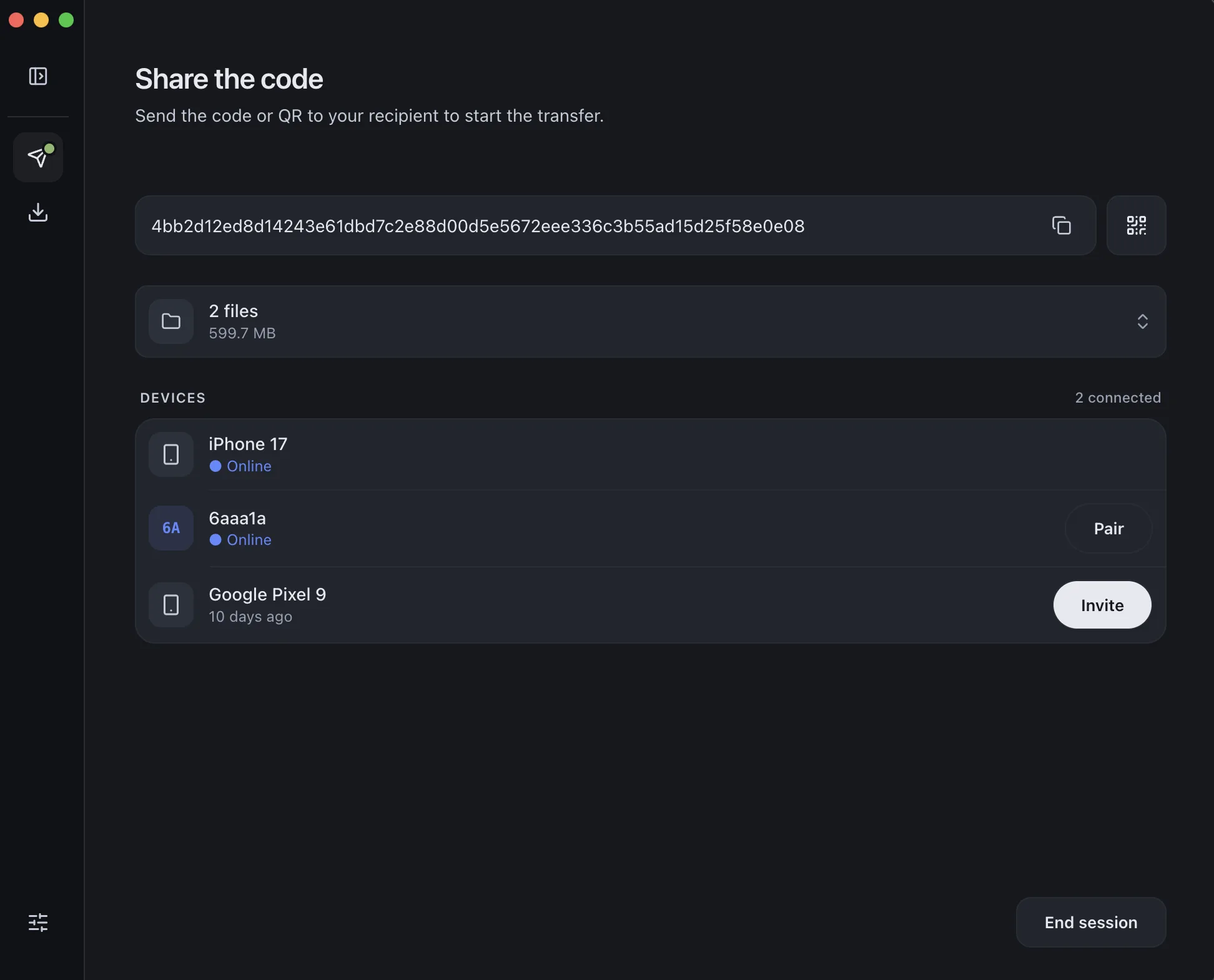
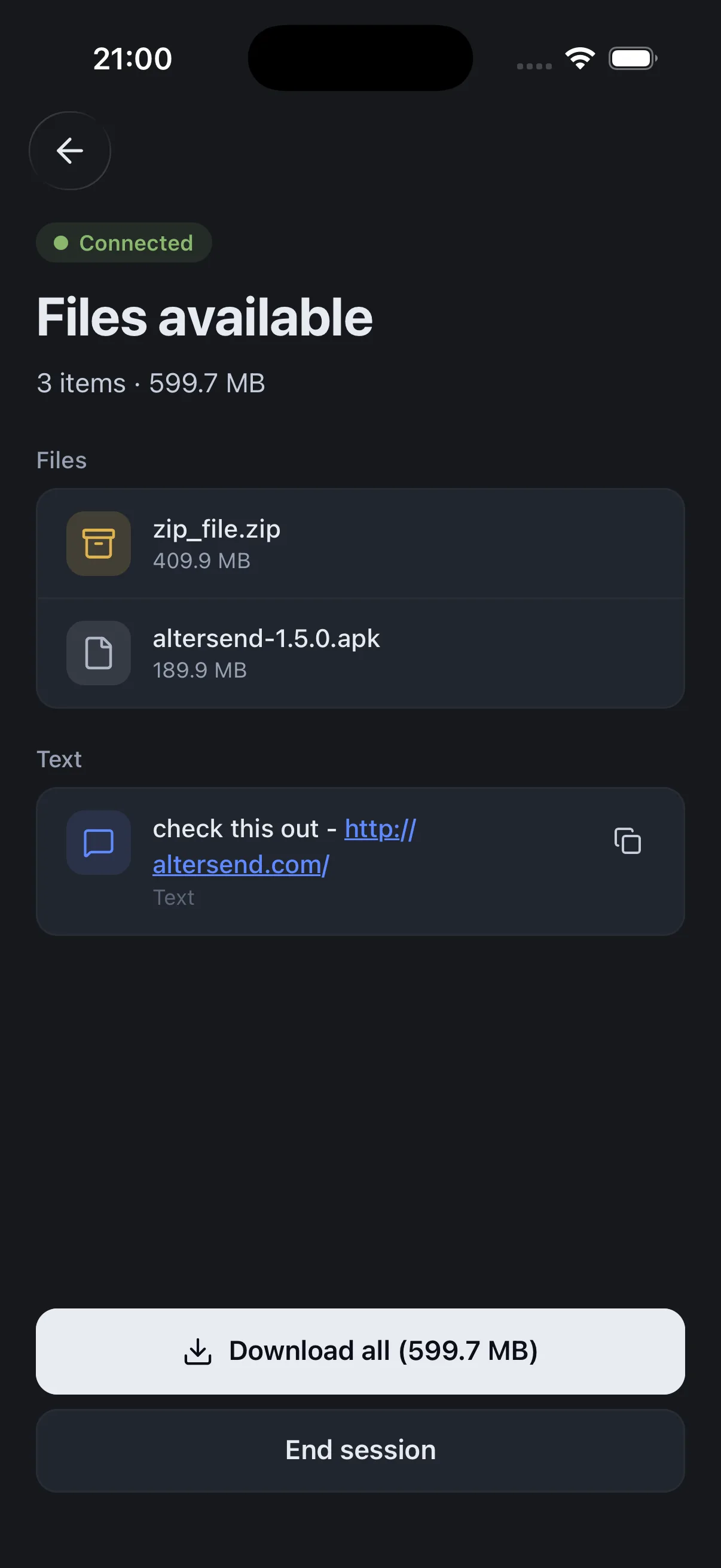
Install the free app on both Macs, pair once with a QR scan, then send the project package or folder straight from one Mac to the other, end-to-end encrypted. AlterSend sends folders with their structure intact, and a package is a folder on disk.
The catch: You need the app on both Macs, and both must be open during the transfer. If the Macs cannot connect directly, an encrypted relay carries the transfer instead, capped at 20 GB between apps. A very large session may then be easier on a drive.
Download AlterSendCopy the saved project to an external drive, carry it over, and copy it to the other Mac's drive.
The catch: You have to be there with the drive, and the copy takes as long as the session is big. Format the drive for Mac use if it isn't already.
WeTransfer, Smash and similar services work for small items, such as a project with few recordings.
The catch: WeTransfer's free plan allows 10 transfers or 3 GB in total per 30 days, and the link expires after 3 days, so a session with real audio will not fit without paying.
WeTransfer: plan limitsWe make AlterSend, so weigh the first option accordingly. For two Macs side by side, a drive is the simplest way and needs no software.
Send the project with AlterSend
- 01Install on both MacsFree on Mac, Windows, Linux, iPhone and Android.
- 02Scan a code to pairOne QR scan connects them. Pair once and they remember each other.
- 03Send the projectSelect the saved project package or folder in Finder and send it. It goes straight to the other Mac, encrypted, with no cloud storage in between.