
Short answer
Open Google Photos, tap Collections at the bottom, then Locked. If it is there but empty, check that you are signed in to the right Google account and look at photos.google.com, where Locked Folder appears if its backup was on. If backup for Locked Folder was off, Google says items are stored only on that phone and are lost if you uninstall Photos, clear its data, factory reset, or lose or damage the phone, and that they are not carried over in phone-to-phone or cloud transfers. In that case there is no official way to get them back.
On this page
First, look in the right place
Locked Folder is not an album and does not appear in the photo grid, search or albums; that is its point. In the current Google Photos app on Android, Google's help gives one route to it.
- On the phone
- Open Google Photos, tap Collections at the bottom, then tap Locked. Unlock with your phone's screen lock.
- On a computer
- At photos.google.com, signed in to the same Google account, Locked Folder is in the menu. It only shows items that were backed up.
- Not in Samsung Gallery
- Locked Folder is a Google Photos feature. Samsung's Gallery has its own hidden albums, and Secure Folder is a separate Samsung space with its own lock. If you are on a Galaxy, check which of the three you actually used.
Sources: Google Photos Help: Hide sensitive photos and videos in Locked Folder, Samsung: Use the Secure Folder on your Galaxy phone or tablet
Six reasons it looks empty
Each of these comes from Google's Locked Folder help, or follows directly from it.
- A different Google account
Backed-up Locked Folder items belong to a Google account, and Google says you reach them from other devices when signed in with that account. Tap your profile picture in Google Photos and check which account is active. People with a personal and a work account often have the wrong one selected.
- A new phone, with Locked Folder backup off
Google states that if backup is off, Locked Folder items saved on the device are not transferred in USB-to-USB device transfers or cloud data transfers. They stayed on the old phone. If you still have it and have not reset it, they are there.
- Photos was reinstalled, or its data cleared
Google lists both: you lose Locked Folder items you have not backed up if you uninstall the Photos app or clear its app data. Phone cleaner apps and storage tools sometimes clear app data without saying so.
- A factory reset, or a lost or damaged phone
Also on Google's list. Without backup, the items lived only on that phone's storage.
- A work or school account, or a managed phone
Google says Locked Folder is unavailable on fully managed devices and for certain account types. If an employer manages the phone or the account, the folder may not be offered at all.
- No screen lock
Locked Folder uses the phone's screen lock and cannot have its own. Google requires a screen lock to use it, so if yours was removed, set a PIN, pattern or password again and look a second time.
Sources: Google Photos Help: Hide sensitive photos and videos in Locked Folder, Android Help: Set screen lock on an Android device
Check whether it was ever backed up
This one setting decides most outcomes. In Google Photos, tap your profile picture, then Photos settings, Backup, and look at Back up Locked Folder. Backup for Locked Folder is an option you have to choose, and Google says it only works if backup is also on for the rest of your photos.
If it is on now and the folder on this phone is empty, open photos.google.com on a computer and look in Locked Folder there. Backed-up items appear on any device signed in to the account. If it is off, items you did not back up individually were stored on one phone only.
Sources: Google Photos Help: Hide sensitive photos and videos in Locked Folder, Google Photos Help: Back up photos and videos
It might not be in Locked Folder at all
- Archive
- Archive and Locked Folder are easy to confuse. Archived photos leave the main grid but still appear in albums and search, and they are not locked. Check Collections for Archive.
- Trash
- Google keeps deleted photos in Trash for 30 days, then deletes them permanently. If a move into Locked Folder failed or you deleted by mistake, look there. Google notes that to move something from Trash into Locked Folder you must restore it first.
- Copies left elsewhere
- Moving a photo into Locked Folder moves only that item. Google says edited versions, copies and photos others saved from a share stay where they were. A copy of something you thought was gone may still be in the library.
Sources: Google Photos Help: Move photos to archive, Google Photos Help: Restore recently deleted photos and videos, Google Photos Help: Hide sensitive photos and videos in Locked Folder
If the items are really gone
If Locked Folder backup was off and one of causes 2 to 4 applies, Google's position is plain: you lose the items you had not backed up. Google does not offer a recovery route, and Locked Folder items were not in any normal backup to restore from.
Most of the pages ranking for this problem are sales pages for data-recovery software. We found no evidence that any of them recovers Locked Folder items from a modern Android phone's internal storage, and we would not pay for a scan that has not first shown you your actual photos. If the old phone still exists and has not been reset, that phone is your best chance: open Google Photos on it, find Locked Folder, and back the items up or move them out before doing anything else.
Sources: Google Photos Help: Hide sensitive photos and videos in Locked Folder
Stop it happening again, and know the trade
Turn on Back up Locked Folder, as above, and check once on photos.google.com that the items appear there. Then a new phone, a reinstall or a broken screen no longer costs you the folder.
Know what that changes. Backed-up Locked Folder items are stored on Google's servers under what Google calls its standard encryption practices, which is not end-to-end encryption, and on the web they are protected by your Google account rather than your phone's screen lock. Google also counts them against your storage. For many people that is the right trade. If the reason the photos are locked is that you do not want them on anyone's server, it is not.
Sources: Google Photos Help: Hide sensitive photos and videos in Locked Folder, Google Safety Center: Google Photos
Where a vault app fits, including ours
We make AlterVault, so weigh this section accordingly. Locked Folder gives you two choices: a copy only on the phone, which is lost with the phone, or a copy on Google's servers. A vault with a backup file gives you a third.
AlterVault keeps the photos only on your phone, sealed with XChaCha20-Poly1305, behind a six-digit code that is not your screen lock, with the key derived by Argon2id. When you want a backup, it writes the whole vault to one encrypted file that you save where you choose, a computer or your own cloud storage, and that file restores on any new Android phone or iPhone with your code. Nothing goes to a server of ours. The free version holds 10 items.
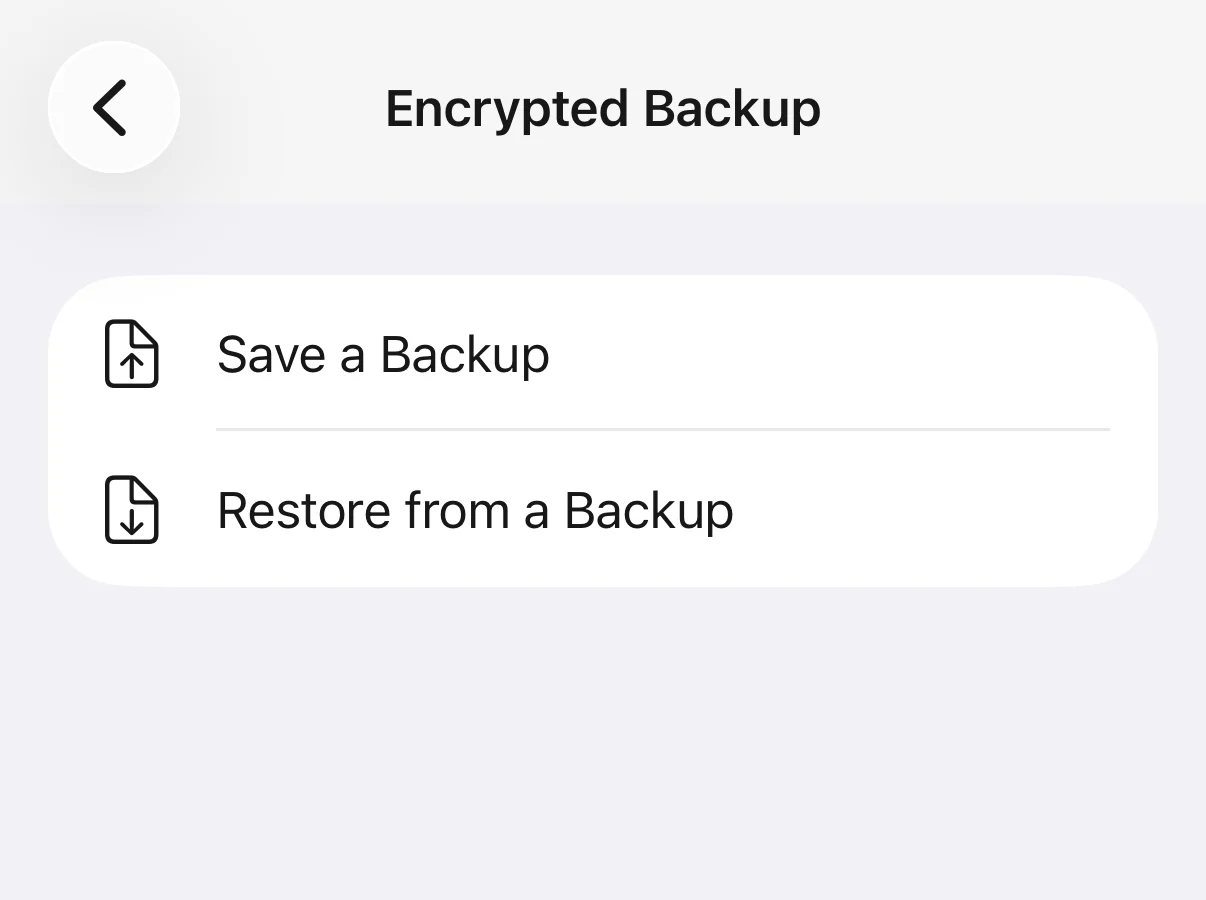
Making the backup is your job, and a backup file is a copy someone could take and guess at offline, about a second per try against six digits, so keep it private. On Android the app never deletes originals after an import, so delete them from Google Photos and its Trash yourself. The app sends anonymous usage events and a purchase check, never your photos, file names or code.
Questions
Where is Locked Folder in Google Photos now?
Open Google Photos, tap Collections at the bottom, then Locked, and unlock with your screen lock. On a computer it is in the menu at photos.google.com, showing only items that were backed up.
Why is my Locked Folder empty on my new phone?
Most likely because backup for Locked Folder was off. Google says items saved only on the device are not transferred in USB-to-USB or cloud data transfers. If the old phone still exists and has not been reset, the items are on it.
Does Locked Folder back up to Google Photos?
Only if you turn it on: Photos settings, Backup, Back up Locked Folder. Backup for the rest of your photos must be on as well. You can also back up individual items from inside Locked Folder.
Can I recover Locked Folder photos after uninstalling Google Photos?
Only if they were backed up, in which case they are at photos.google.com and return when you sign in again. Google says items that were not backed up are lost if you uninstall the Photos app or clear its data.
Do deleted Locked Folder photos go to Trash?
Google's help does not say Locked Folder has its own Trash. Ordinary deleted photos stay in Trash for 30 days. If you are missing something, check Trash and Archive in Collections as well as Locked Folder.
Why can't I find Locked Folder at all?
Google says it is unavailable on fully managed devices and for certain account types, such as some work or school accounts, and it requires a screen lock and Android 6 or later. Check the active account and that a screen lock is set.
Can Locked Folder have a different password from my phone?
No. Google states that the Locked Folder password is the same as your device screen lock and cannot be different. On the web, backed-up items are protected by your Google account instead.
Do data recovery apps get Locked Folder photos back?
We found no evidence that they recover Locked Folder items from a modern Android phone. Most pages promising it are sales pages for the software. Do not pay before a free scan has shown you your actual photos.