
Transfer photos from iPhone to PC.
Apple's own way uses a cable and the Apple Devices app. There are wireless ways too. Here are Apple's steps, the two catches that trip people up, and the options without a cable.

How do you transfer photos from an iPhone to a PC?
Apple's steps for Windows: install the Apple Devices app from the Microsoft Store, connect the iPhone to the PC with a USB cable, unlock the iPhone, tap Trust or Allow if asked, then import the photos with the Microsoft Photos app, following Microsoft's import steps.
Two catches: if iCloud Photos is on, Apple says you must download the original, full-resolution photos to the iPhone before you import. And for the best compatibility with Windows, Apple suggests switching the camera to Most Compatible, which saves new photos and videos as JPEG and H.264.
Steps from Apple's own support page (published September 14, 2026), read on November 16, 2026.
With a cable, Apple's steps
Photos won't open on Windows?
New iPhones save photos in a format Windows does not always open. Apple's fix for future photos: on the iPhone, open Settings, tap Camera, then Formats, and tap Most Compatible. From then on the camera saves photos and videos as JPEG and H.264. Photos you already took keep their format.
Wireless ways
No cable, each with its limit.
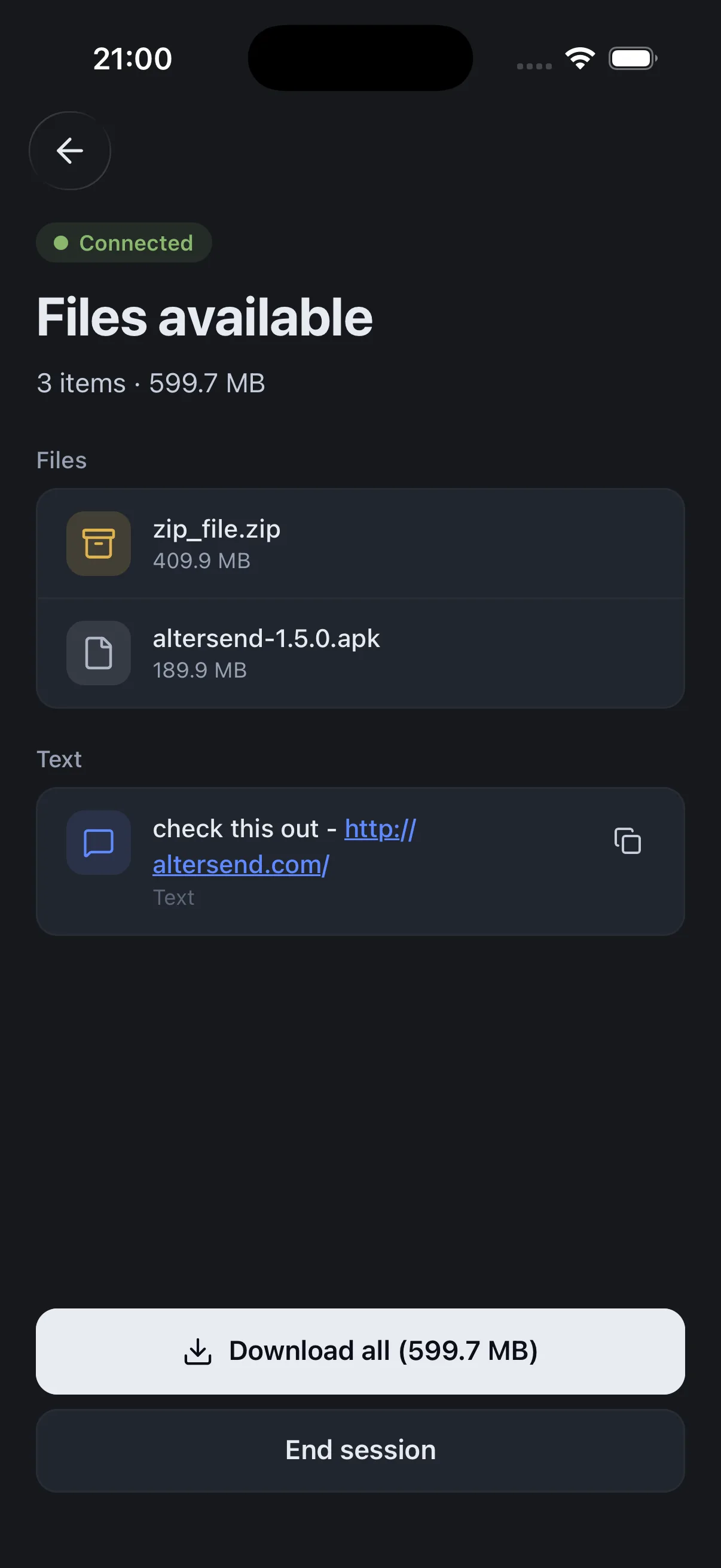
Install the free app on both devices, pair once with a QR scan, then send files or whole folders directly, end-to-end encrypted. It works on the same Wi-Fi or across the internet, and nothing is stored on a server.
The catch: Both devices need the app and must be online at the same time: it is a live transfer, not a link that waits for days. If the devices cannot connect directly, an encrypted relay carries the transfer, capped at 20 GB between apps and 10 GB for browser links.
Download AlterSendApple's iCloud for Windows app, from the Microsoft Store, gives the PC access to your iCloud photos and videos.
The catch: Everything goes through Apple's servers and uses your iCloud storage, and the latest version needs Windows 11 or later.
Apple: download iCloud for WindowsSend from the iPhone's share sheet to the PC.
The catch: Microsoft says iPhone file sharing is rolling out gradually, starting with Windows Insiders, so you may not have it yet.
Microsoft: share files between an iPhone and a PCWe make AlterSend, so weigh that option accordingly. For a whole photo library on one PC, Apple's cable route is free and reliable.
Send photos from iPhone to PC with AlterSend
- 01Install on both devicesFree on Windows, Mac, Linux, iPhone and Android. No account.
- 02Scan a code to pairOne QR scan connects them. Pair once and they remember each other.
- 03Send, directlyFiles and whole folders go straight across, end-to-end encrypted. Same Wi-Fi or across the internet.