
Filemail alternative.
Filemail's free service is quick and needs no registration, but it allows 2 transfers a day of up to 5 GB each. Here are free alternatives that go further.
Why look for a Filemail alternative?
Filemail's own help centre lists the free limits: up to 5 GB per transfer, up to 2 transfers in a 24-hour period, and files stored for a maximum of 7 days. It also says the free service is not available in certain regions.
If you send more often than twice a day, send bigger files, or would rather not upload at all, the tools below fit better, for free.
Filemail, SwissTransfer, Smash and TransferNow limits checked on their own pages on November 16, 2026.
Filemail and four alternatives
What each one does well, and where it stops.
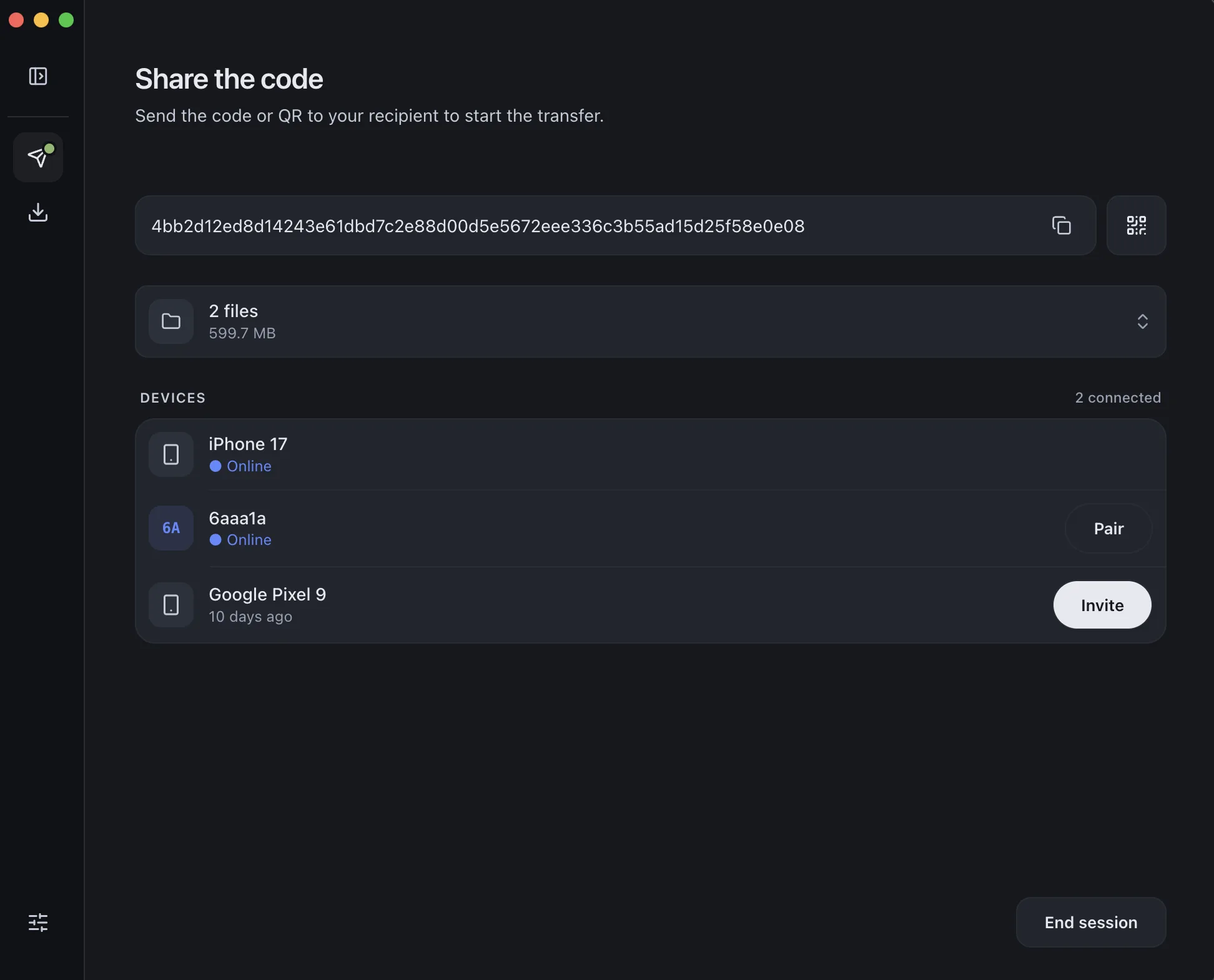
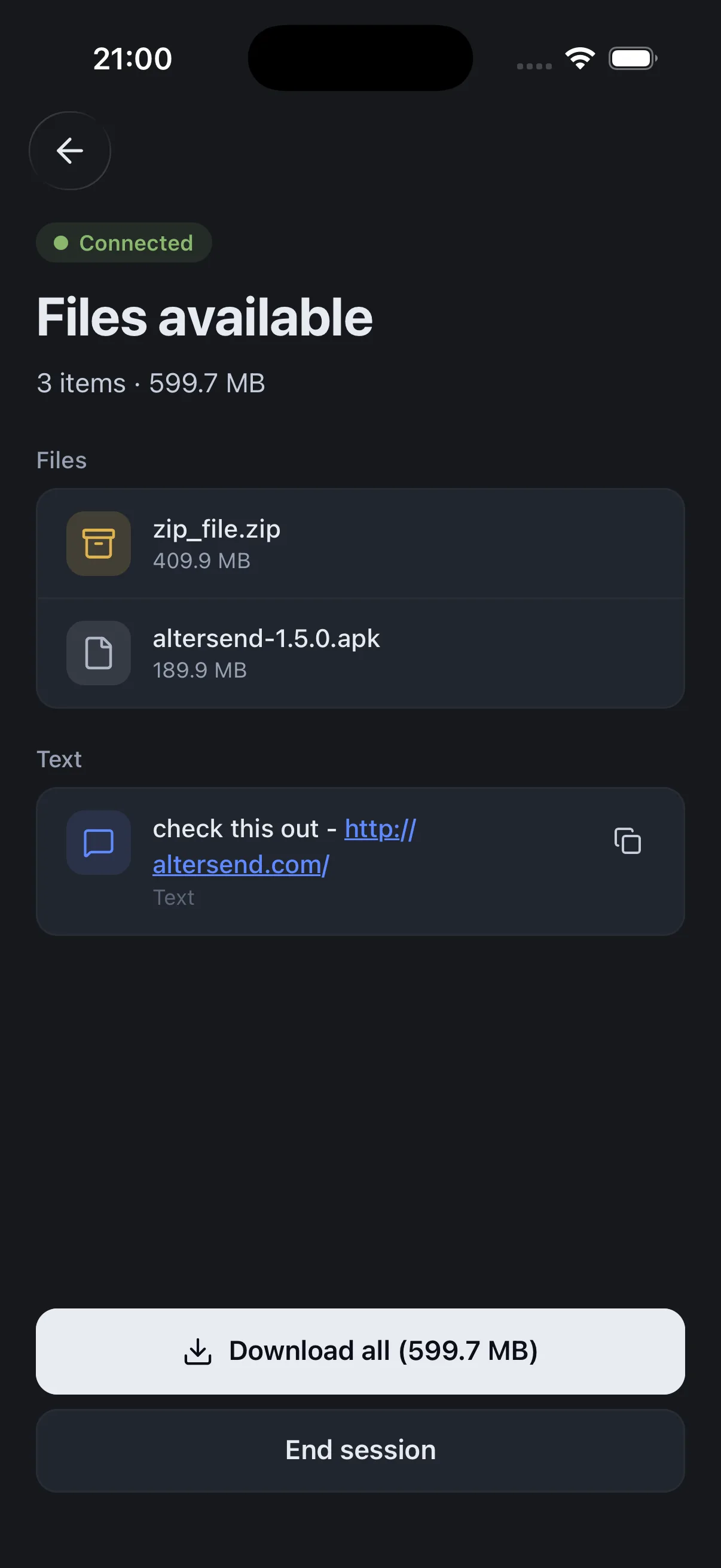
Install the free app on both devices, pair once with a QR scan, then send files or whole folders directly, end-to-end encrypted. It works on the same Wi-Fi or across the internet, and nothing is stored on a server.
The catch: Both devices need the app and must be online at the same time: it is a live transfer, not a link that waits for days. If the devices cannot connect directly, an encrypted relay carries the transfer, capped at 20 GB between apps and 10 GB for browser links.
Download AlterSendFilemail's free service needs no registration and sends by email or link.
The catch: Per Filemail's help centre, the free service allows up to 5 GB per transfer and 2 transfers in 24 hours, keeps files for up to 7 days, and is not available in some regions.
Filemail: free file sharing serviceSwissTransfer sends up to 50 GB per transfer for free, with no account. Files are stored in Switzerland in Infomaniak's data centers, encrypted in transit and at rest, with no advertising.
The catch: Free links last up to 30 days and allow up to 250 downloads. Above 50 GB you need another tool, and your files sit on its servers until the link expires.
SwissTransferSmash has no size limit on its free plan and sends a download link.
The catch: Per Smash's own help, free transfers over 2 GB wait in a queue behind paid ones, links last 7 days by default and 14 at most on the free plan, and files are stored on its servers.
Smash: file size limitTransferNow's free plan sends up to 5 GB per transfer, with encryption and antivirus scanning. Paid plans go up to 250 or 500 GB per transfer.
The catch: Free transfers are kept for up to 7 days, and the 5 GB cap applies per transfer.
TransferNowWe make AlterSend, so weigh that option accordingly. For a free link up to 50 GB with no daily cap stated, SwissTransfer is the simplest step up.
Send without uploading, with AlterSend
- 01Install on both devicesFree on Windows, Mac, Linux, iPhone and Android. No account.
- 02Scan a code to pairOne QR scan connects them. Pair once and they remember each other.
- 03Send, directlyFiles and whole folders go straight across, end-to-end encrypted. Same Wi-Fi or across the internet.