
AlterSend for Video editors & filmmakers.
Send Premiere and DaVinci Resolve projects straight to another editor — any size, no cloud storage, no upload step.
What's slowing you down today
The project file is useless on its own
A .prproj or .drp holds edits, not footage. Send it alone and the other editor opens a timeline of red Media Offline clips.
Transfer services cap out long before you do
Free tiers stop around 2 GB. Your collected project starts where they finish, and paid plans still expire the link a week later.
You upload everything before they get anything
Cloud transfer is upload-then-download. On a 200 GB archive that's a full day of your bandwidth before the other person can even begin.
Couriering a drive costs days
It's still the fallback for feature work — and drives go missing, arrive corrupted, or come back late.
Sending a 200 GB cut to your colourist
The same job, before and after.
Before
- Collect the project and its media — 200 GB.
- Discover WeTransfer stops at 2 GB; buy a plan.
- Upload for most of a day, hoping it doesn't drop.
- Colourist downloads the whole thing before starting.
- Link expires in 7 days; someone asks for it again.
With AlterSend
- Collect the project and its media — 200 GB.
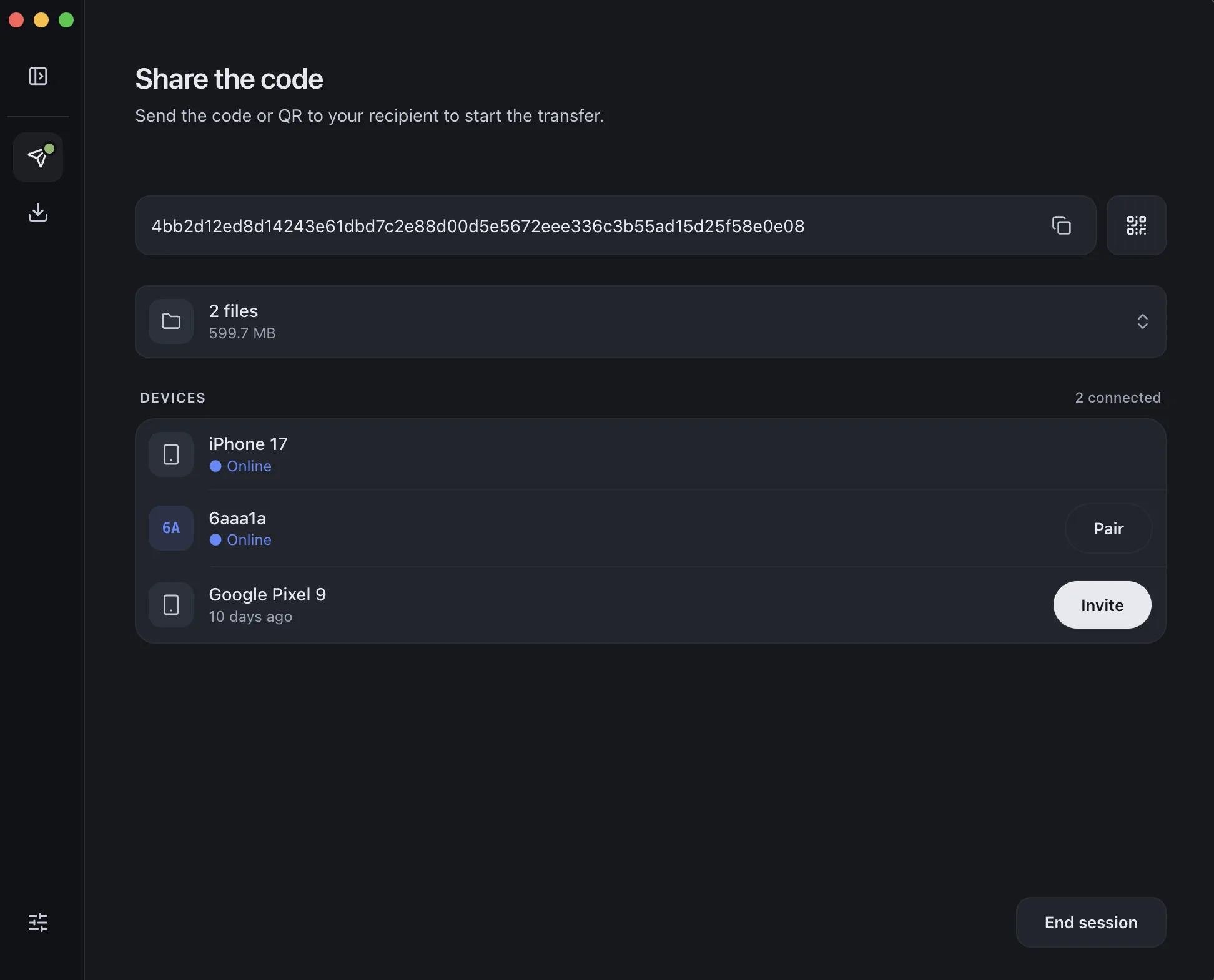
- Scan a QR code once to pair the two machines.
- Drag the folder in. Transfer starts immediately.
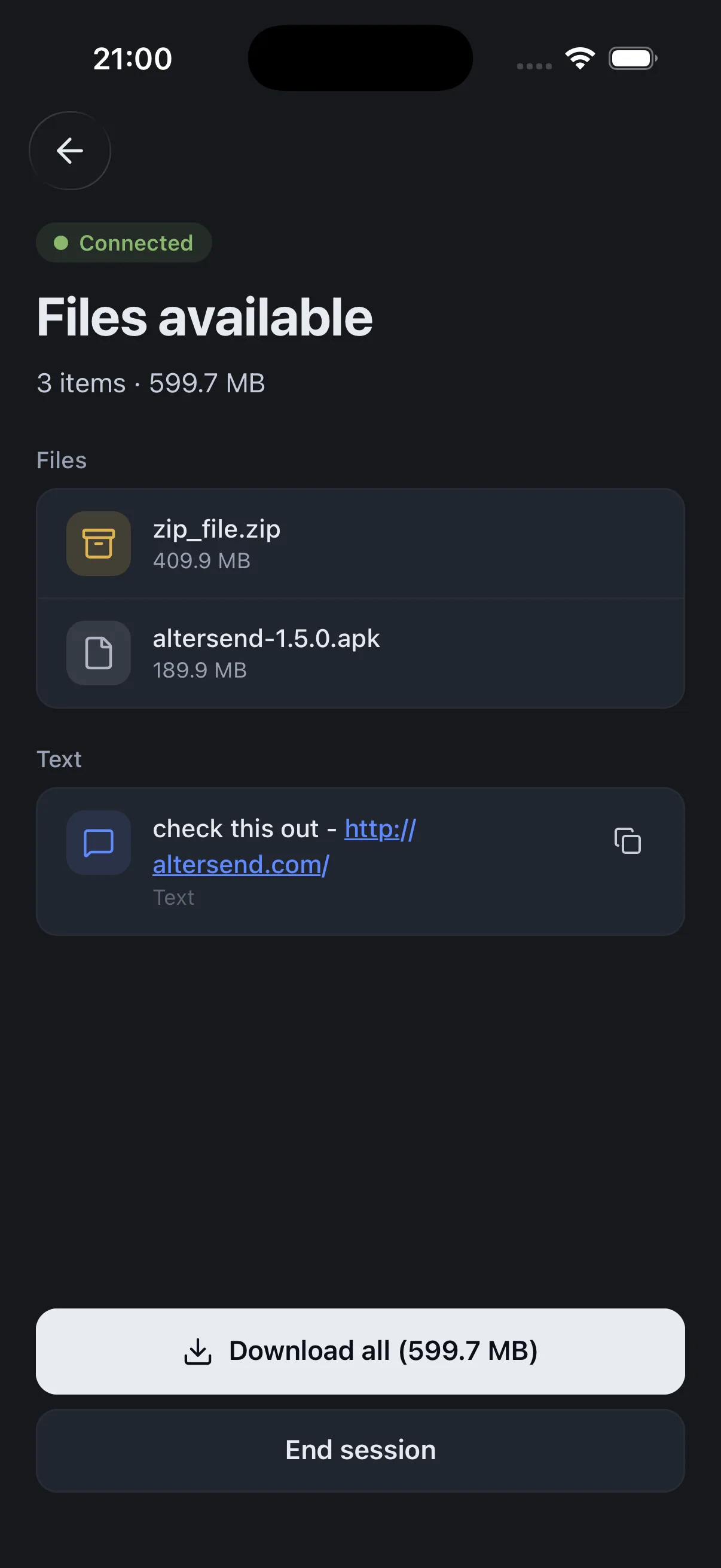
- It lands directly on their drive, encrypted, intact.
Why it fits your workflow
No size ceiling
20 GB rough cut or a 600 GB feature archive — identical workflow, no plan to upgrade.
Folders arrive intact
Send the collected folder or .dra as-is, so relative media paths and Restore Project Archive still work.
No upload step
It's a direct transfer, so it starts the moment they accept instead of after your upload finishes.
Unreleased footage stays private
End-to-end encrypted and never stored on a server. Nothing sitting in a third party's bucket under embargo.
Step-by-step guides
Send a Premiere Pro project to another editor
Why the .prproj is empty, how to collect the media properly, and how to move the result.
Read the guide →Transfer a DaVinci Resolve project
.drp vs .dra, exporting a Project Archive, and shipping it without a courier.
Read the guide →Send large files free
The general case — any size, no cloud storage, no account.
Read the guide →