
Send a Premiere Pro project. With the media.
A .prproj file holds no footage — it's a list of edits pointing at paths on your drive. Here's how to collect the whole project properly, and how to get 200 GB of it to another editor without an upload queue or a 2 GB cap.
Why emailing the .prproj doesn't work
A Premiere project file is often only a few megabytes, which makes it look easy to send. It isn't easy — it's just empty. The .prproj stores your sequences, cuts, effects settings and a set of file paths. The actual video, audio and graphics live wherever they sit on your drive, and none of it is inside the project.
Open that file on another machine and Premiere goes looking for /Users/you/Footage/Day01/…, finds nothing, and fills the timeline with Media Offline. The other editor can see your edit structure but can't play a frame of it.
So a real handoff is always two parts: collect the project and its media into one folder, then move that folder — which is where the size problem starts.
Step one: collect the files
In Premiere Pro, open File → Project Manager. Tick the sequences you're handing over, choose Collect Files and Copy to New Location, and pick a destination folder. Premiere copies the project file plus every asset it references into that one folder, rewriting the paths so they resolve relatively — which is what lets it open cleanly on someone else's machine.
Turn on Exclude Unused Clips before you run it. If you shot 4 TB and cut 90 minutes, this is the single biggest size reduction available to you. Include Handles adds a few seconds either side of each clip so the other editor still has trim room.
One caveat worth knowing up front: Project Manager collects media, not your environment. Fonts, LUTs, third-party plugins and effect presets are not included and must exist on the other machine. Drop your fonts and LUTs into the same folder before sending and you'll save a round trip.
Step two: the part that's actually hard
Your collected folder is now somewhere between 20 GB and several hundred. Here's what editors normally reach for, and what each one costs.
Or send it directly
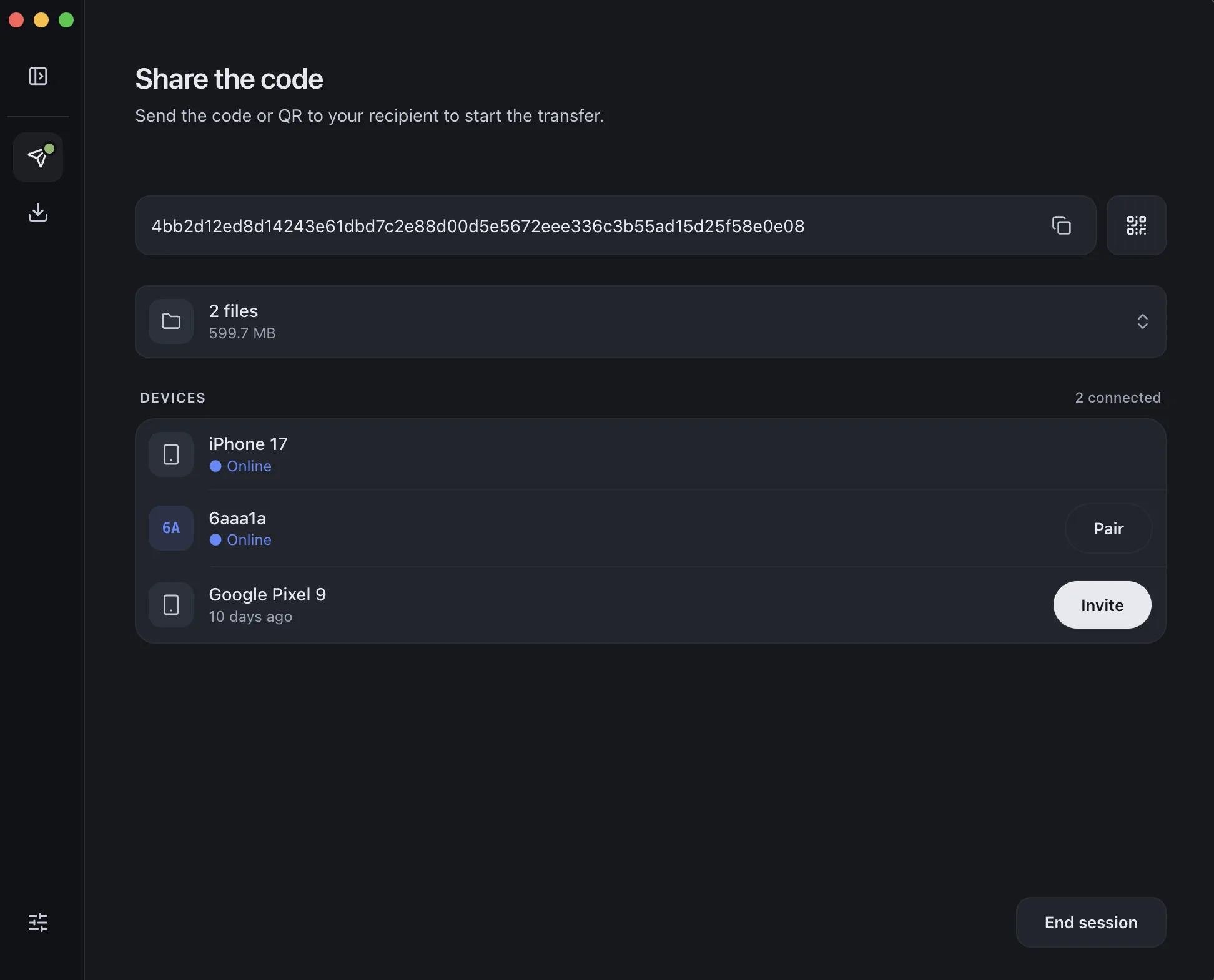
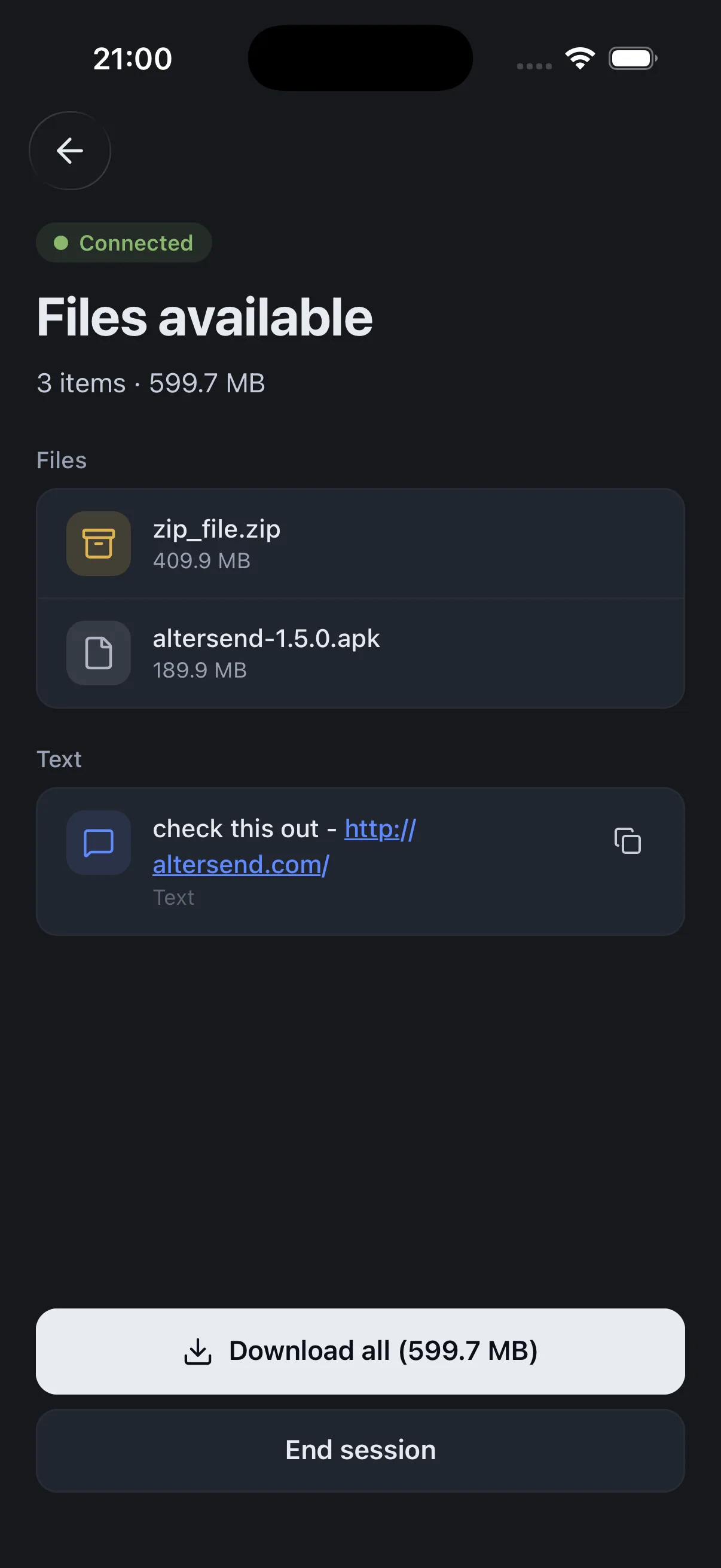
AlterSend moves the collected folder straight from your machine to the other editor's — no upload step, no storage plan, no size ceiling. Because there's no server in the middle, the transfer starts the moment they accept instead of after you've finished uploading.
Also useful: sending large files free and how AlterSend compares to WeTransfer.
The whole handoff, in three steps
- 01Collect the projectFile → Project Manager → Collect Files and Copy to New Location. Exclude unused clips.
- 02Pair the two machinesInstall AlterSend on both, scan a QR code once. No account, no upload.
- 03Send the whole folderDrag the collected folder across. Any size, encrypted, straight to their drive.