
AlterSend for Architects & engineers.
Send Revit models, CAD sets, point clouds and renders to clients and contractors — any size, straight to their machine, with no account for them to create.
What's slowing you down today
Models and scans are enormous
A federated Revit model or a laser scan runs into hundreds of gigabytes. Consumer transfer limits are irrelevant at that scale.
Contractors won't set up accounts
Asking a client or contractor to create a login and install a sync client is friction that delays the job.
Cloud plans fill up fast
One project's models, renders and scans exhaust a storage tier, and you're paying for space you never wanted.
Tender documents shouldn't sit on a server
A share link is a copy on a third party's infrastructure — for contract and tender sets you want a direct handoff.
Sending a federated model to a contractor
The same job, before and after.
Before
- Export the model and its linked files — 80 GB.
- Cloud plan is full; buy more storage.
- Upload overnight, then send a link.
- Contractor creates an account just to download it.
With AlterSend
- Export the model and its linked files — 80 GB.
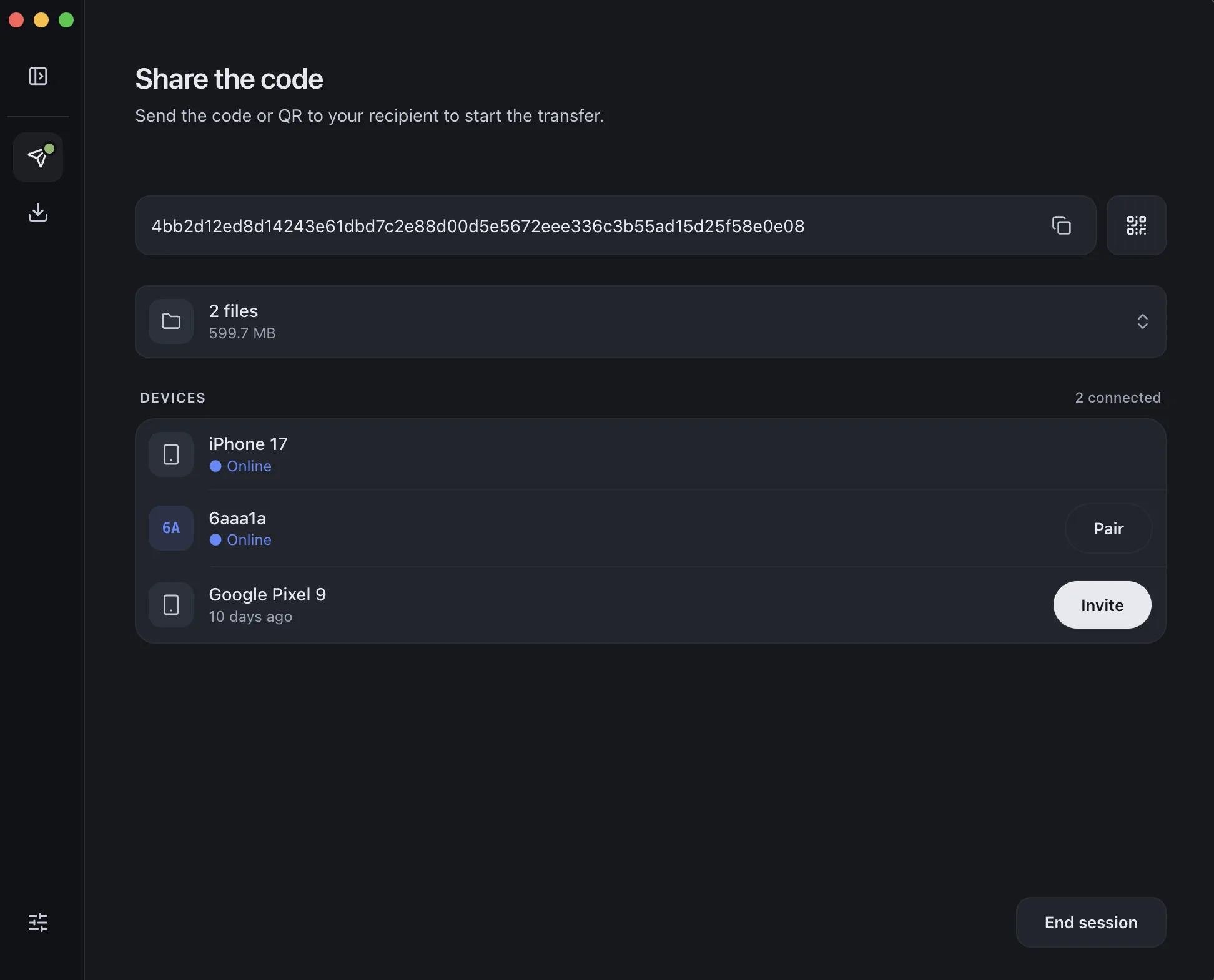
- Pair with the contractor's machine once.
- Send the folder directly — no upload wait.
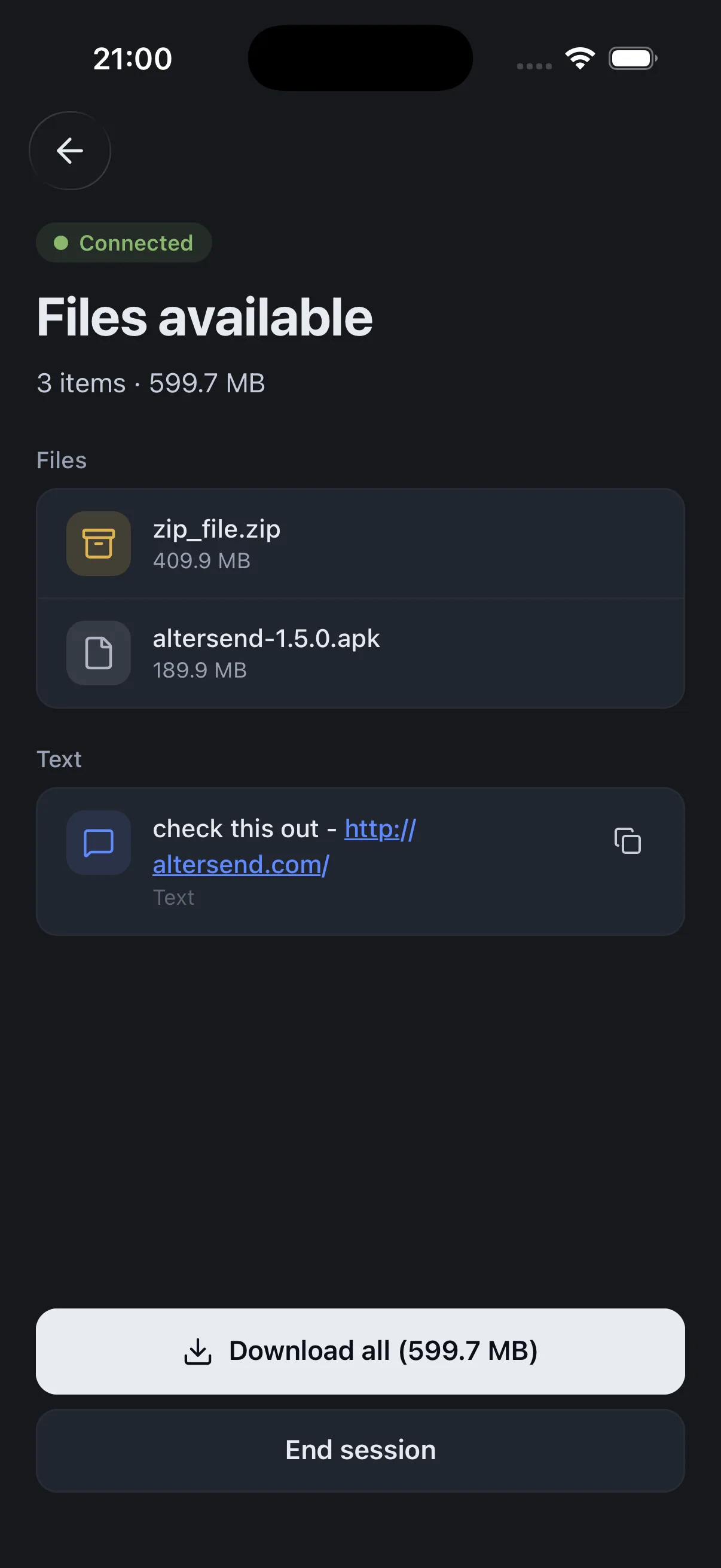
- It lands on their drive, encrypted and intact.
Why it fits your workflow
No size limit
A drawing set or a 300 GB point cloud — same flow either way.
Whole project folders
Send linked models, xrefs and assets together, with the structure intact.
Never sits on a third-party server
End-to-end encrypted and direct — suited to tender and contract documents.
Nothing for the client to join
No account and no sync client for the contractor to set up first.