AlterSend vs WeTransfer.
WeTransfer uploads your files to its cloud and caps free transfers at 2 GB. AlterSend sends them straight between your devices — end-to-end encrypted, no size limits, no account, free.
The difference, side by side
WeTransfer
 AlterSend
Price
Free plan + paid Pro
Free & open source
Max file size
2 GB on the free plan
No limit
Where your files go
Uploaded to their cloud
Never leave your devices
Encryption
In transit & at rest
End-to-end
Account / email
Email required
None
Files expire
After 7 days (free)
Nothing is stored
Apps
Web + mobile
Native: Win, Mac, Linux, iOS, Android
Why switch
Where AlterSend pulls ahead
No size limits
Send 50 GB as easily as 50 MB. WeTransfer's free plan stops at 2 GB.
Files never touch the cloud storage
Direct and end-to-end encrypted. WeTransfer uploads and stores every file on its servers.
Nothing expires
No 7-day countdown and no dead links. WeTransfer deletes free transfers after a week.
No account, no email
Just open and send. WeTransfer wants your email and the recipient's.
Free and open source
Apache-2.0. P2P transfers are free and unlimited. Pro only lifts caps on relay-routed ones.
Native apps, every platform
Windows, Mac, Linux, iPhone, Android — not a browser tab.
Send a file in seconds
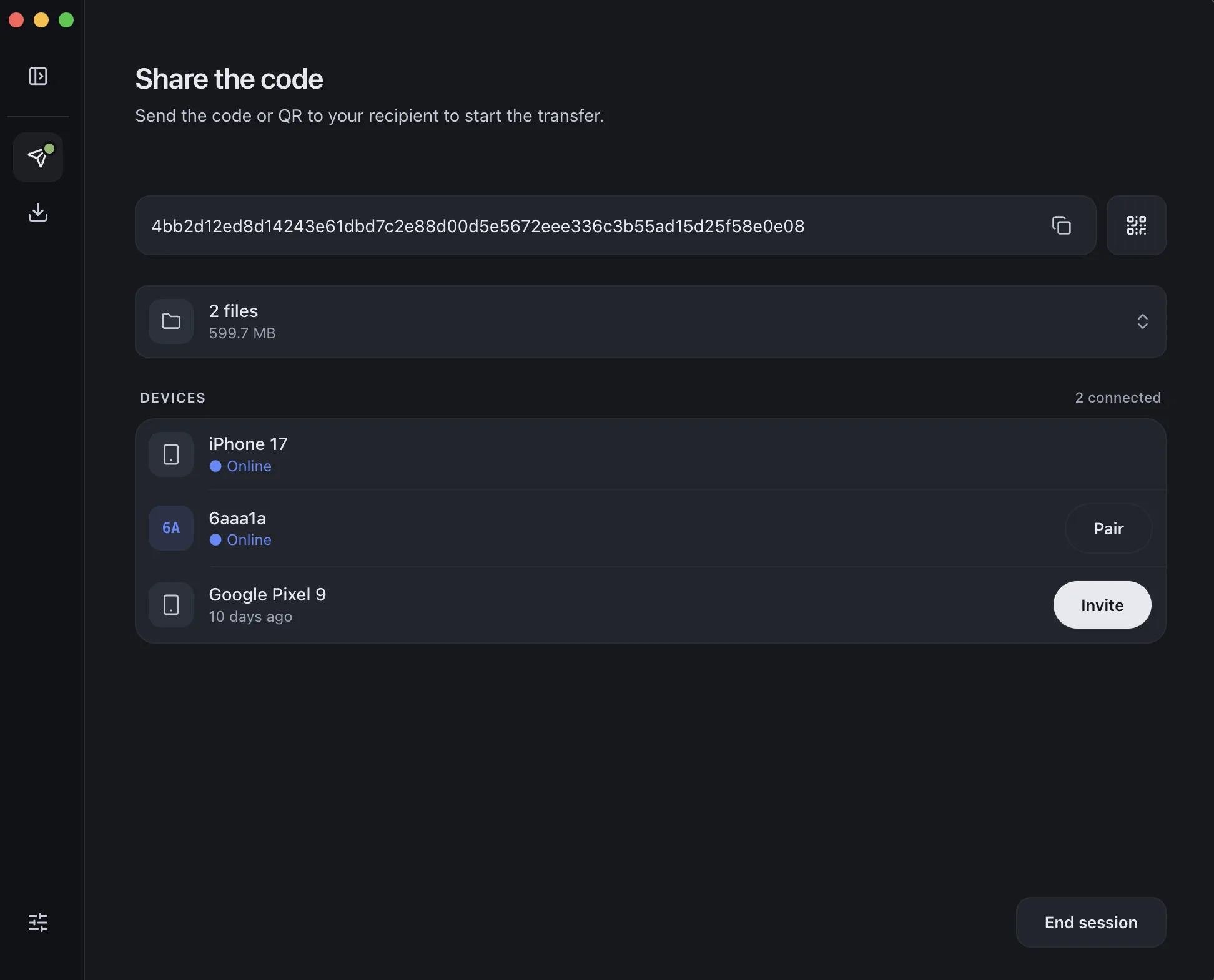
- 01Install on both devicesFree on Windows, Mac, Linux, iPhone, and Android.
- 02Scan a code to pairOne QR scan connects them. Pair once — they remember each other.
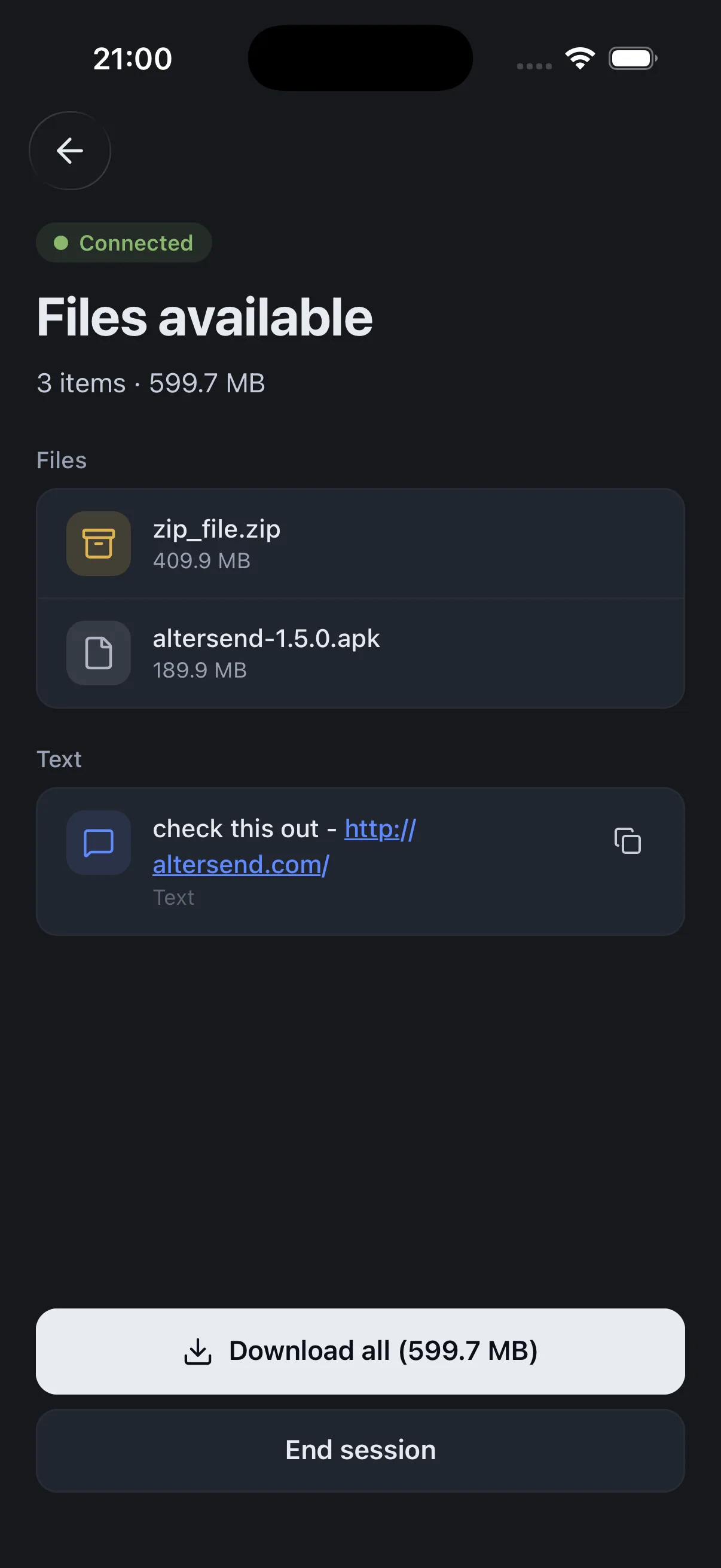
- 03Send, directlyFiles go straight across, encrypted. Any size, no cloud storage.