AlterSend vs Snapdrop.
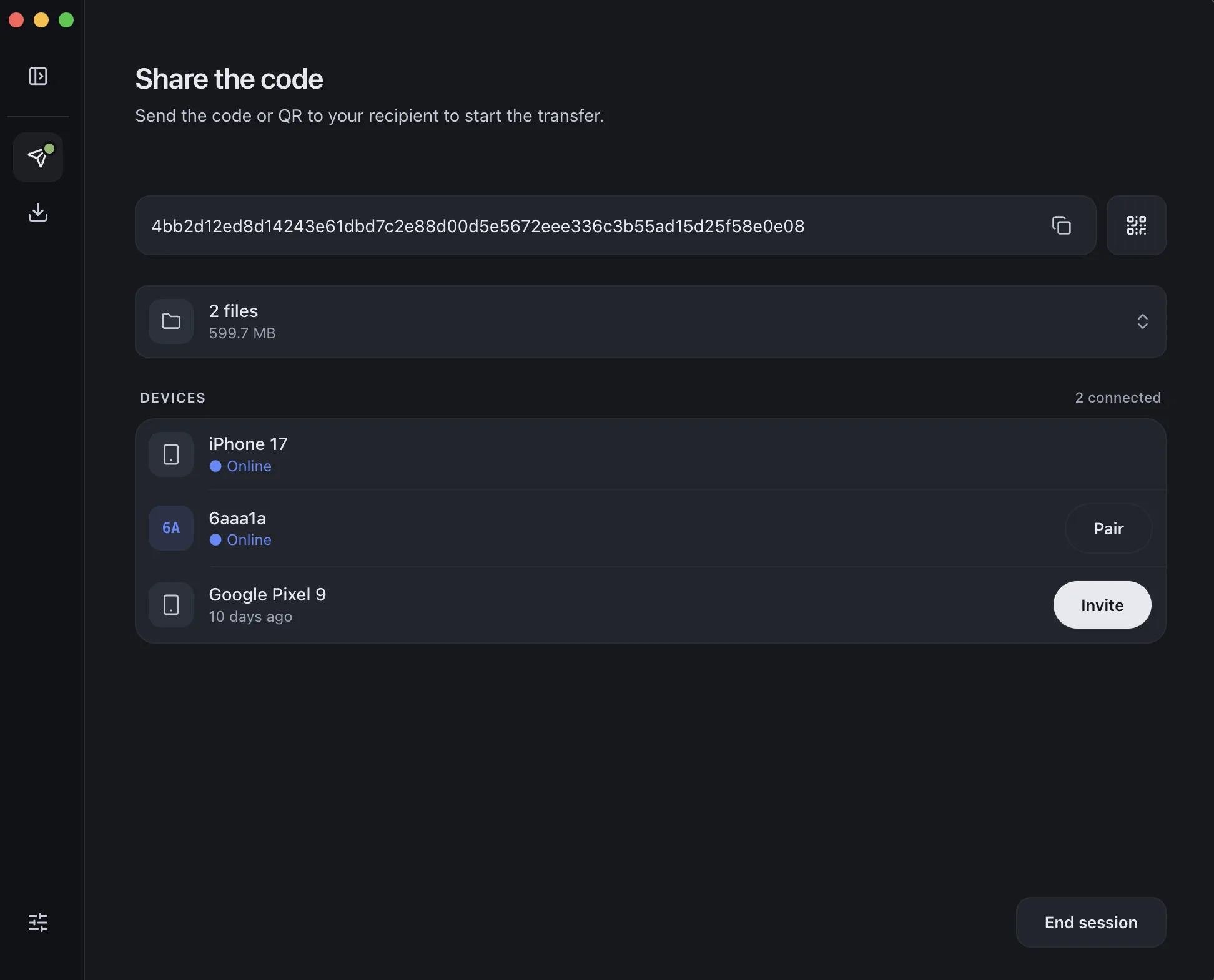
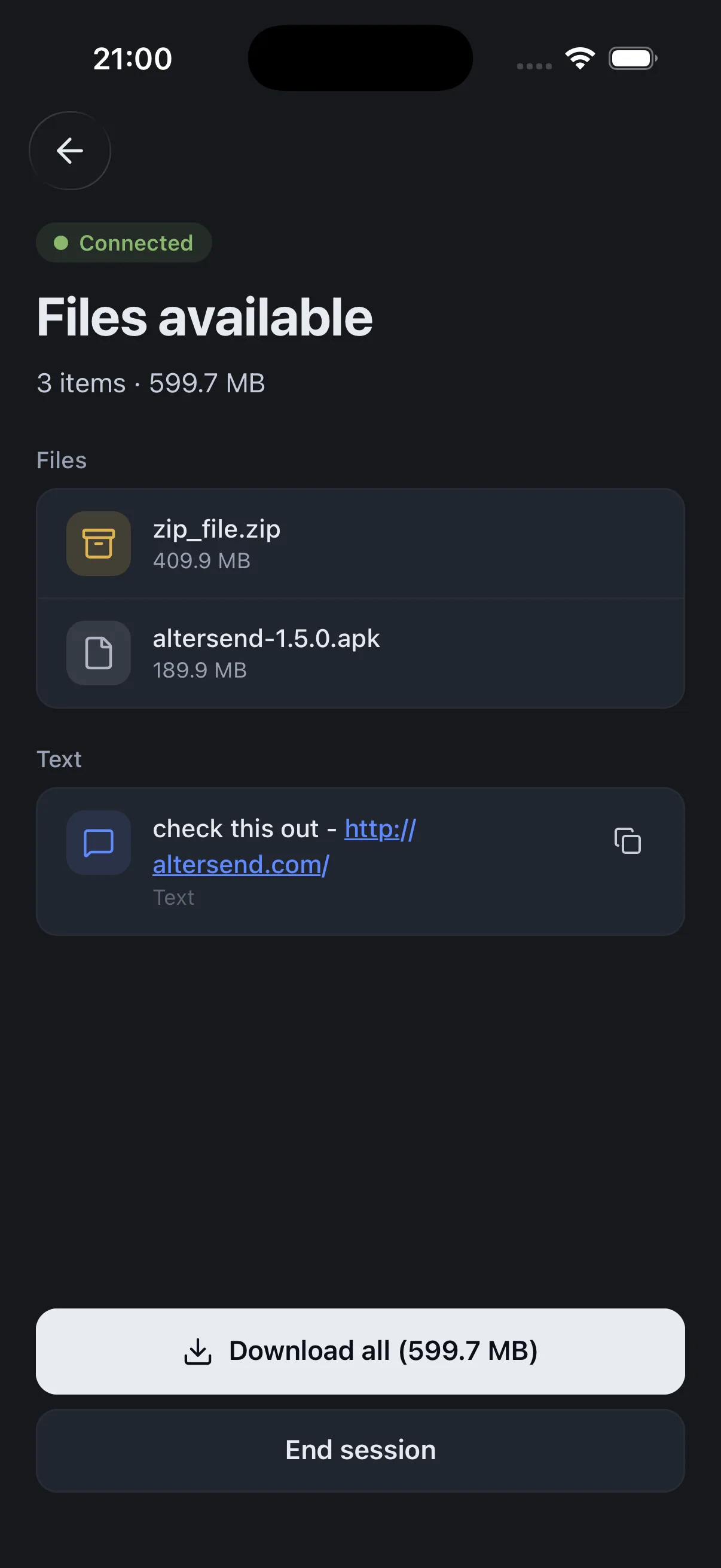
Snapdrop and PairDrop are handy for quick same-network drops in a browser. AlterSend is a native app that does it over the internet too — encrypted, account-free, with no size limits.
The difference, side by side
Snapdrop
 AlterSend
Works over the internet
No — same network only
Yes, anywhere
Native apps
No — browser only
Win, Mac, Linux, iOS, Android
End-to-end encrypted
In-browser (WebRTC)
Yes
No account
Yes
Yes
Reliable for big files
Browser-limited
No limit
Remembers devices
No
Pair once, remembered
Why switch
Where AlterSend pulls ahead
Works over the internet
Snapdrop and PairDrop only connect devices on the same network. AlterSend works anywhere.
Real native apps
Not a browser tab — dedicated apps on Windows, Mac, Linux, iPhone, and Android.
Built for big files
Send a 100 GB folder without a browser choking. No size limit.
Pair once, remembered
Skip re-opening a link and re-pairing every session.
Send a file in seconds
- 01Install on both devicesFree on Windows, Mac, Linux, iPhone, and Android.
- 02Scan a code to pairOne QR scan connects them. Pair once — they remember each other.
- 03Send, directlyFiles go straight across, encrypted. Any size, no cloud storage.