AlterSend vs Send Anywhere.
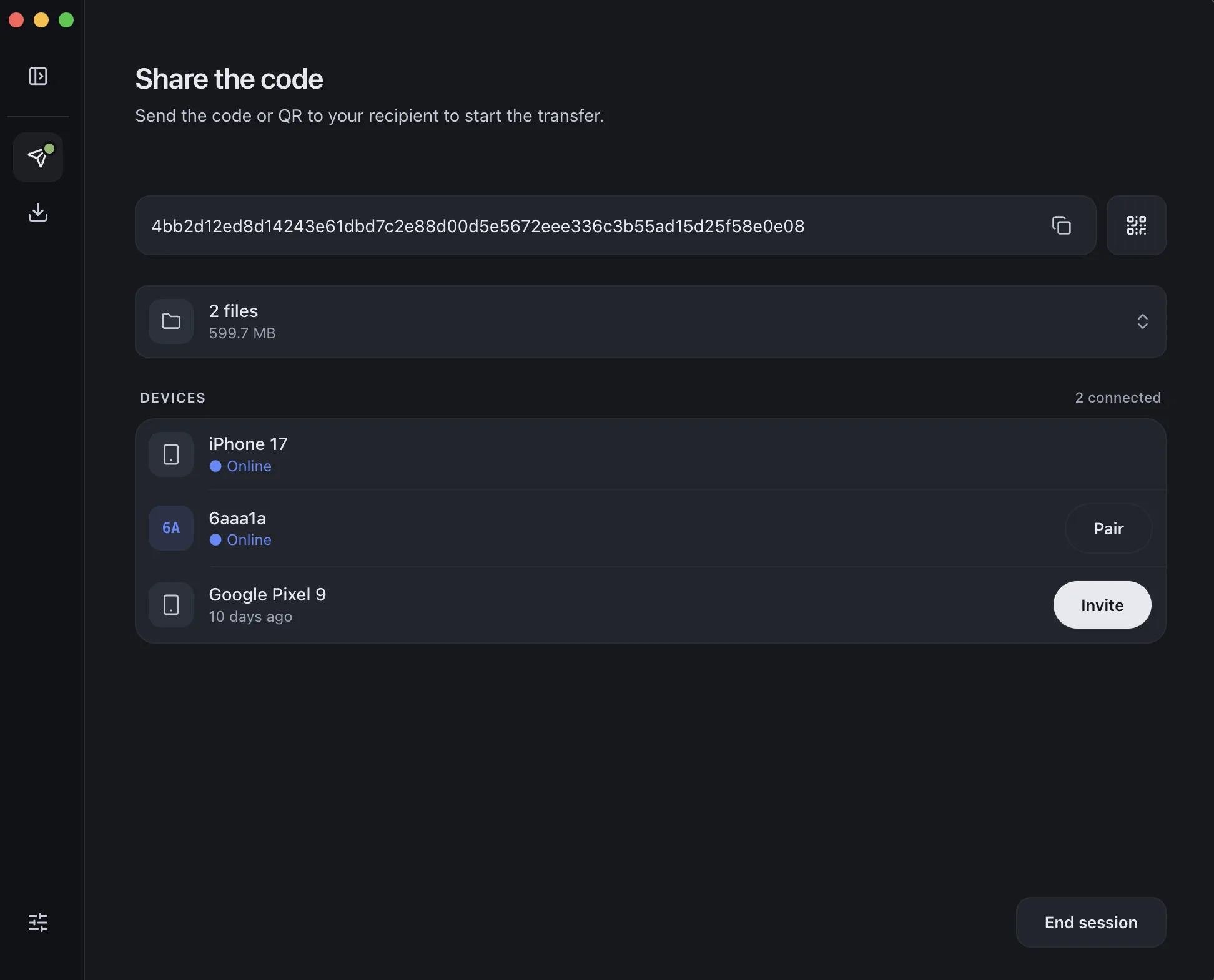
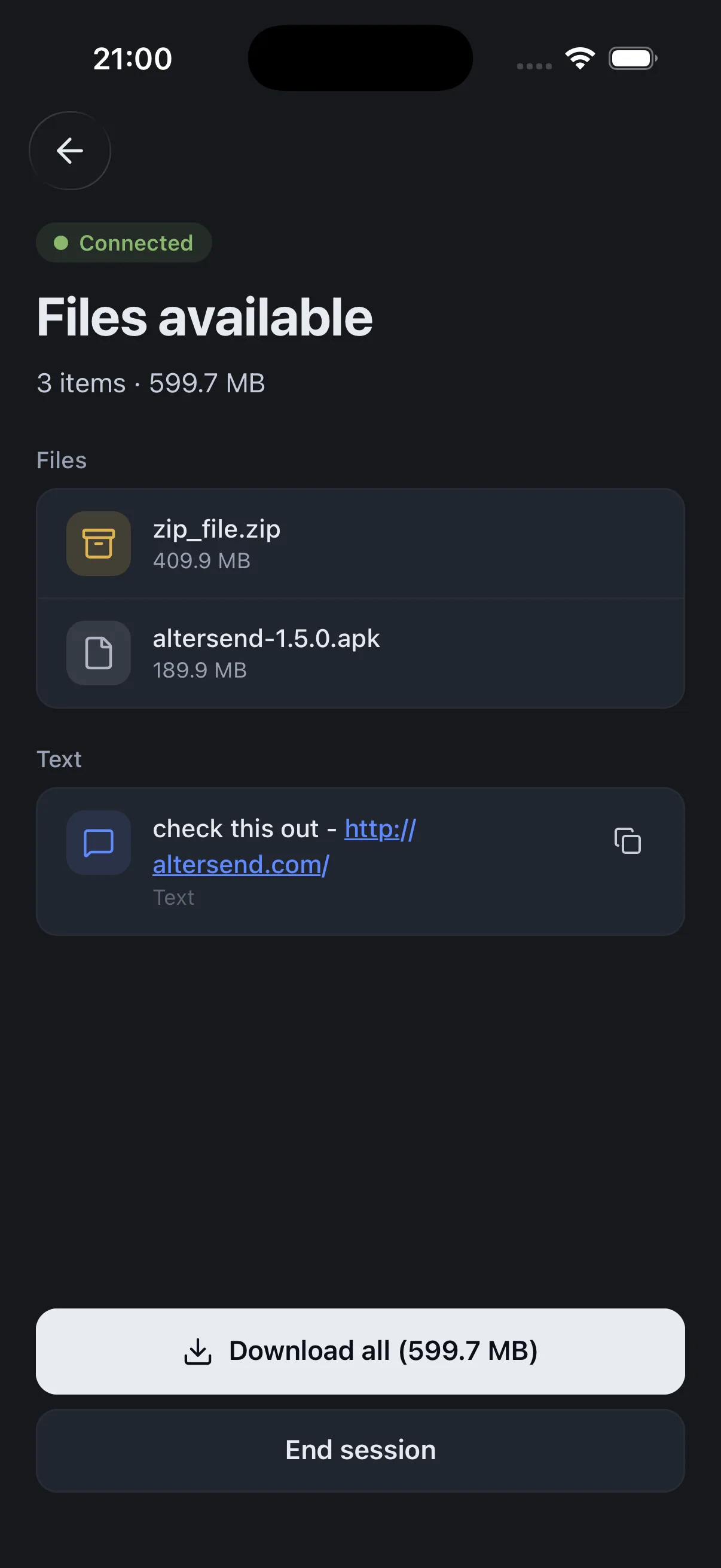
Send Anywhere shows ads on its free tier and can route your files through its own servers. AlterSend is end-to-end encrypted and direct by default — and when a direct connection isn't possible, an optional relay forwards only encrypted data without ever storing it. No ads, no account, free and open source.
The difference, side by side
Send Anywhere
 AlterSend
Files routed through
Their servers
Direct, or an encrypted blind relay
End-to-end encrypted
Files pass through their servers
Yes — even the relay can't read them
Files stored on a server
Yes (links)
Never
Ads
Yes (free tier)
None
Open source
No
Yes
Account
Needed for some features
None
File size limit
Capped on free / links
No limit
Price
Free with ads + paid
Free & open source
Why switch
Where AlterSend pulls ahead
Encrypted, even when relayed
Most transfers go straight device-to-device. When a direct link isn't possible, an optional relay forwards only encrypted data and stores nothing — and you can turn it off.
No ads, no limits
No advertising and no size cap. Free transfer apps usually come with both.
Open source
Auditable and Apache-2.0 licensed. Send Anywhere is closed source.
No account
Nothing to sign up for. Some Send Anywhere features require an account.
Send a file in seconds
- 01Install on both devicesFree on Windows, Mac, Linux, iPhone, and Android.
- 02Scan a code to pairOne QR scan connects them. Pair once — they remember each other.
- 03Send, directlyFiles go straight across, encrypted. Any size, no cloud storage.