AlterSend vs PairDrop.
PairDrop is a great open-source, browser-based way to share files. AlterSend does the same thing as a native app on every platform — direct peer-to-peer, end-to-end encrypted, with no browser tab to keep open.
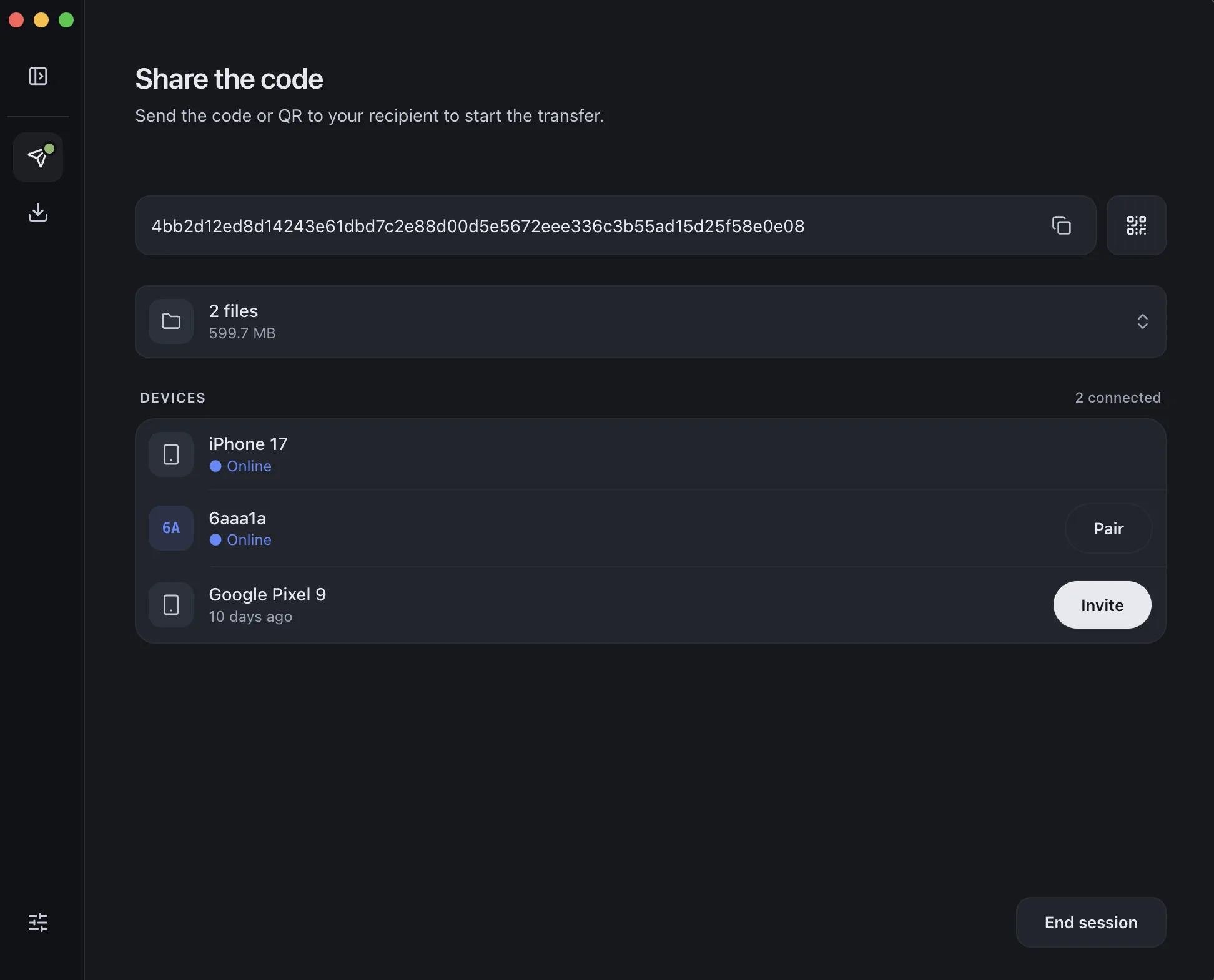
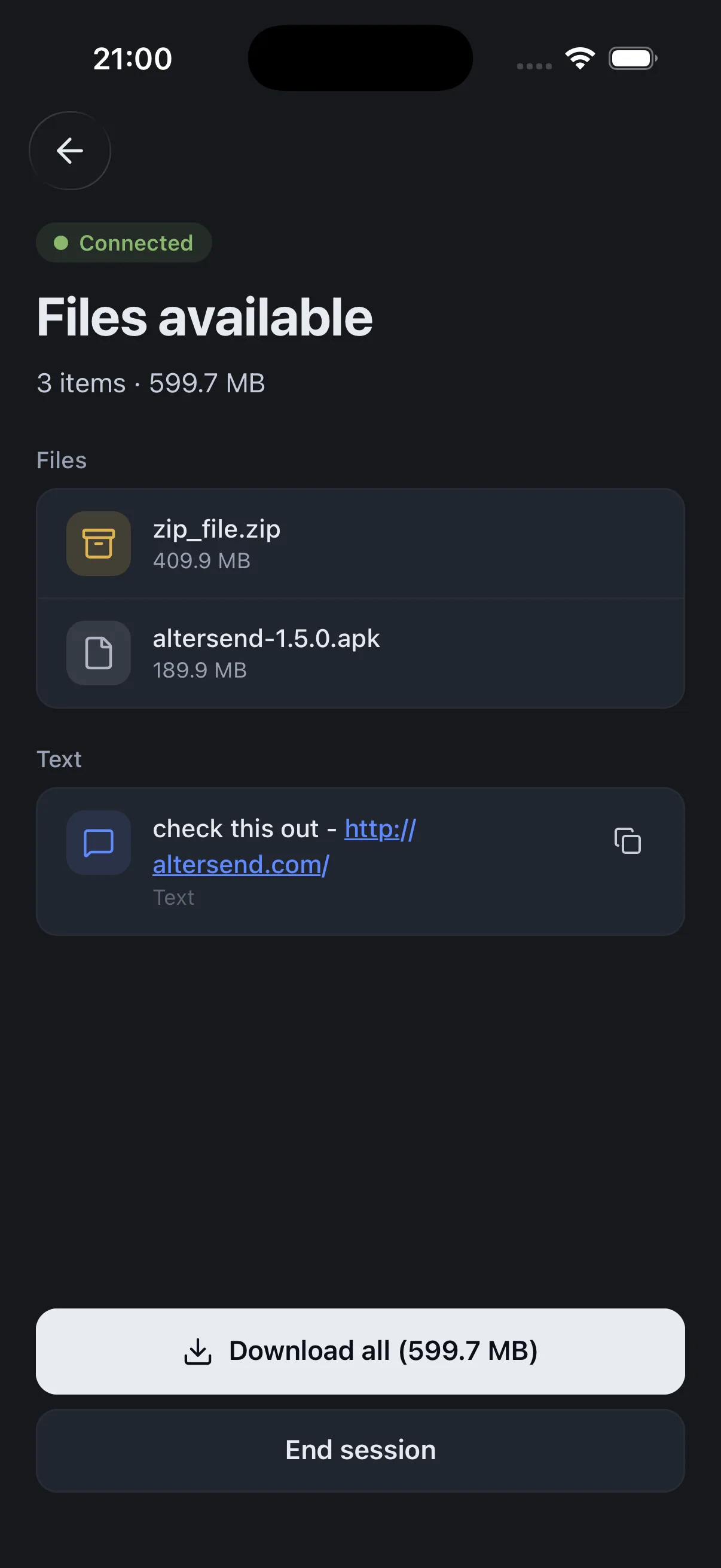
The difference, side by side
PairDrop
 AlterSend
Native desktop & mobile app
No — runs in a browser tab
Yes
Direct peer-to-peer
Via a hosted signaling server
Yes, direct P2P
Works over the internet
Via pairing / public rooms
Yes, anywhere
End-to-end encrypted
Yes
Yes
No cloud storage
Yes
Yes
Open source
Yes — GPL-3.0
Yes — Apache-2.0
File size limit
None (browser limits apply)
None
Why switch
Where AlterSend pulls ahead
A real app, not a browser tab
AlterSend runs natively on desktop and phone — no keeping a browser tab open, no page refresh dropping the transfer.
Direct peer-to-peer, anywhere
AlterSend connects your devices directly over the internet. PairDrop leans on a hosted signaling server and public rooms to reach across networks.
Whole folders, huge files
Drag an entire folder or a 200 GB archive — a native app handles it more reliably than an in-browser transfer.
Same open-source privacy
Both are open source and end-to-end encrypted — AlterSend just does it as a dedicated app built purely for peer-to-peer.
Send a file in seconds
- 01Install on both devicesFree on Windows, Mac, Linux, iPhone, and Android.
- 02Scan a code to pairOne QR scan connects them. Pair once — they remember each other.
- 03Send, directlyFiles go straight across, encrypted. Any size, no cloud storage.