AlterSend vs Blip.
Blip sends files directly between your devices, and so does AlterSend — both peer-to-peer and end-to-end encrypted. The difference: AlterSend is fully open source and auditable, and it runs on Linux too.
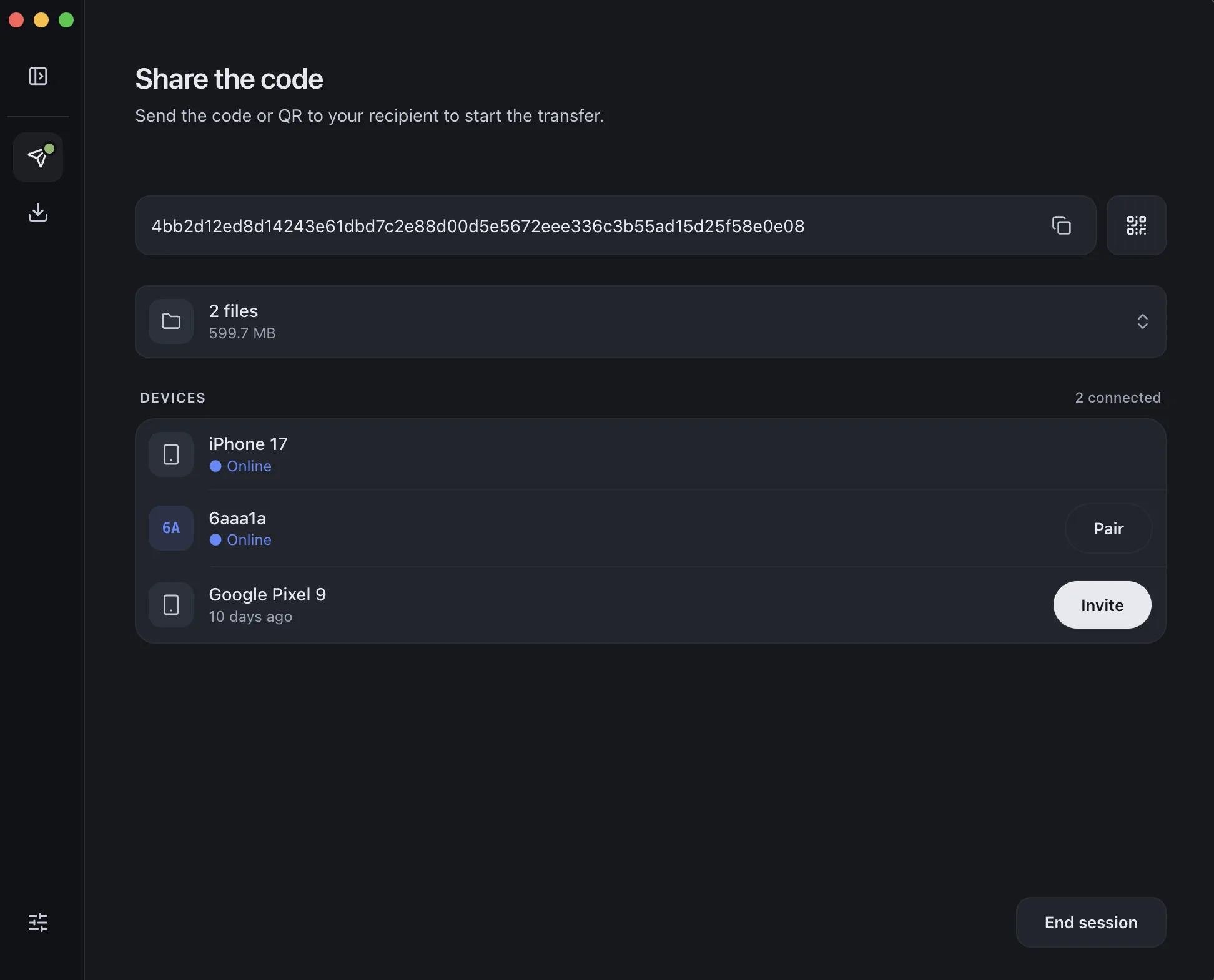
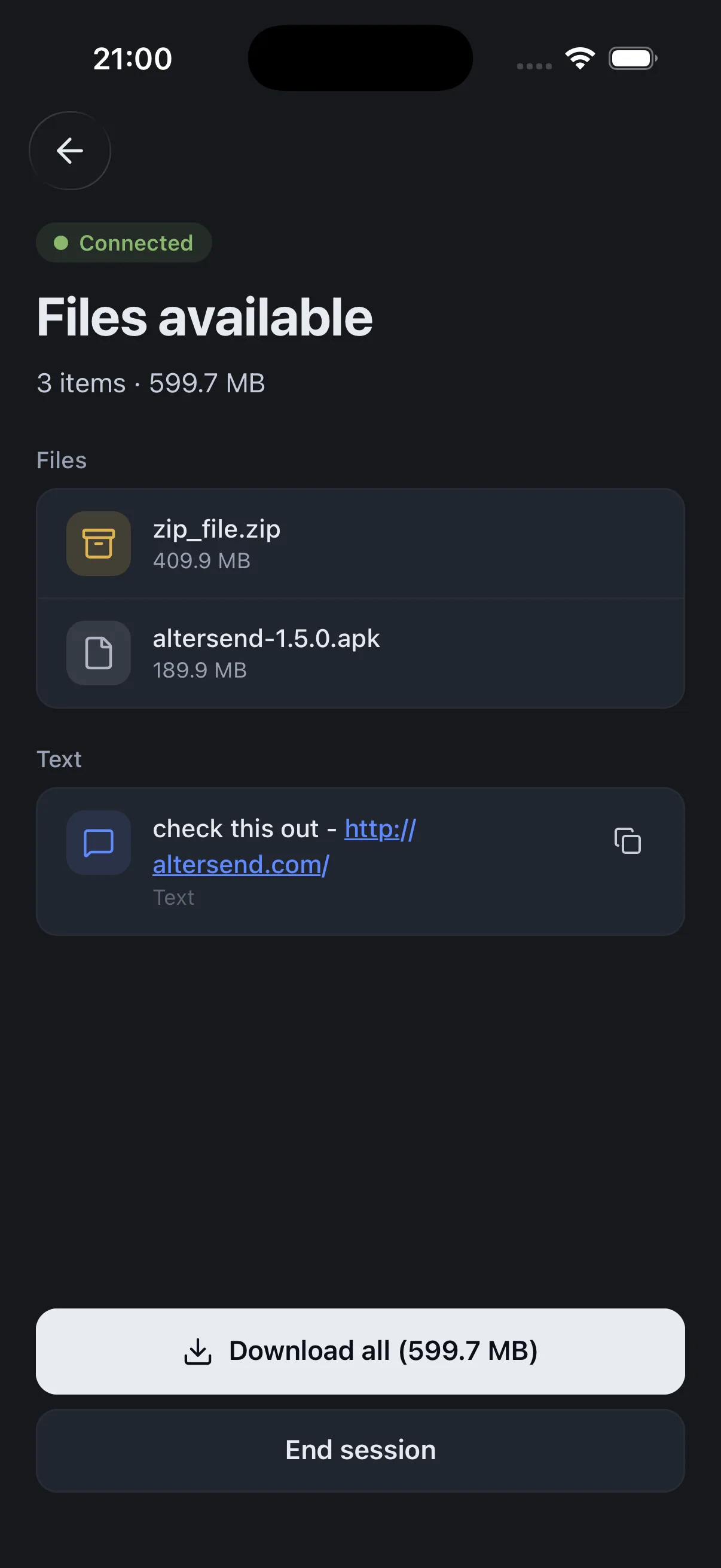
The difference, side by side
Blip
 AlterSend
Direct peer-to-peer transfer
Yes
Yes
End-to-end encrypted
Yes
Yes
Works over the internet
Yes
Yes
No cloud storage
Yes
Yes
Open source
No — proprietary
Yes — Apache-2.0
Linux desktop app
No
Yes
File size limit
None
None
Why switch
Where AlterSend pulls ahead
Fully open source
AlterSend is Apache-2.0 — anyone can audit exactly how your files are handled. Blip is proprietary.
Works on Linux too
Windows, Mac, Linux, iPhone, and Android. Blip skips the Linux desktop.
Same peer-to-peer privacy
Both transfer directly, end-to-end encrypted, with no cloud storing your files — AlterSend just does it in the open.
Just pair and send
Scan a code once and your devices remember each other. No account, no email.
Send a file in seconds
- 01Install on both devicesFree on Windows, Mac, Linux, iPhone, and Android.
- 02Scan a code to pairOne QR scan connects them. Pair once — they remember each other.
- 03Send, directlyFiles go straight across, encrypted. Any size, no cloud storage.